Guides
Install LynoTV on Android TV and Google TV: step by step
Install LynoTV from Google Play or the official APK, add your M3U or Xtream Codes source and check playback on Android TV or Google TV.
Read articleLynoTV lighting evolves with your day and the seasons.
Local time is used. Location remains optional.
Practical guides, clear explanations and advice to get more from your media player on every Android device.
Install LynoTV from Google Play or the official APK, add your M3U or Xtream Codes source and check playback on Android TV or Google TV.
Read articleUseful, reviewed content focused on the LynoTV application.
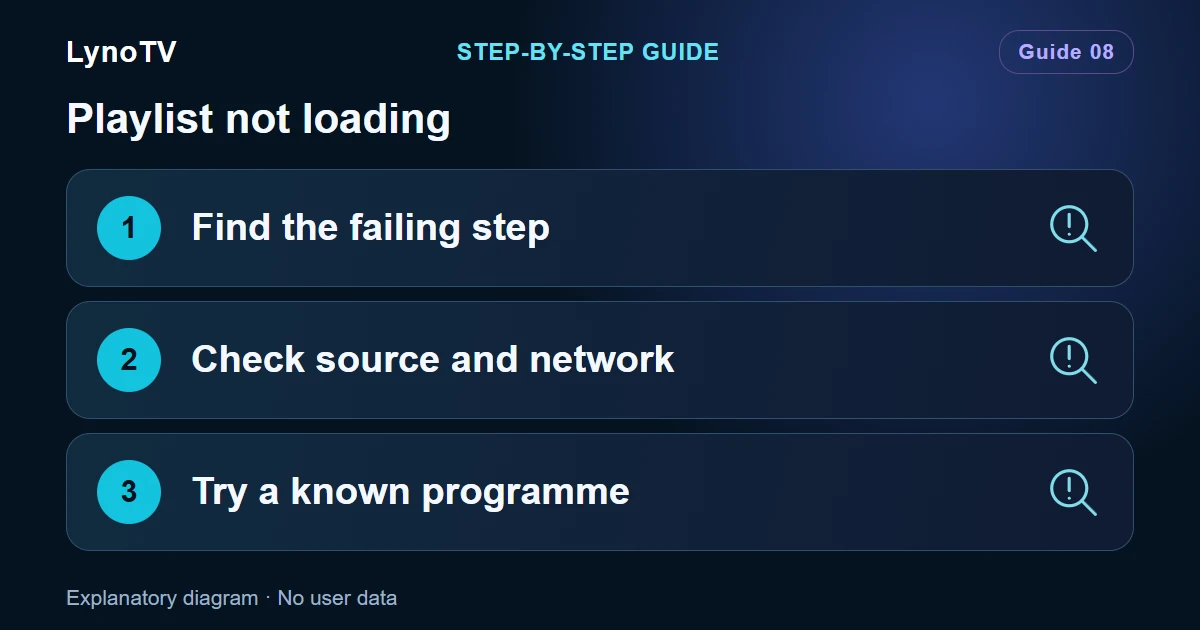
A rejected source, an empty catalogue and a video that will not play need different checks. Find the failing step before deleting anything.
Read articleChange the server, username or password for an Xtream Codes source in the Android app. Use the website to assign synced playlists to profiles.
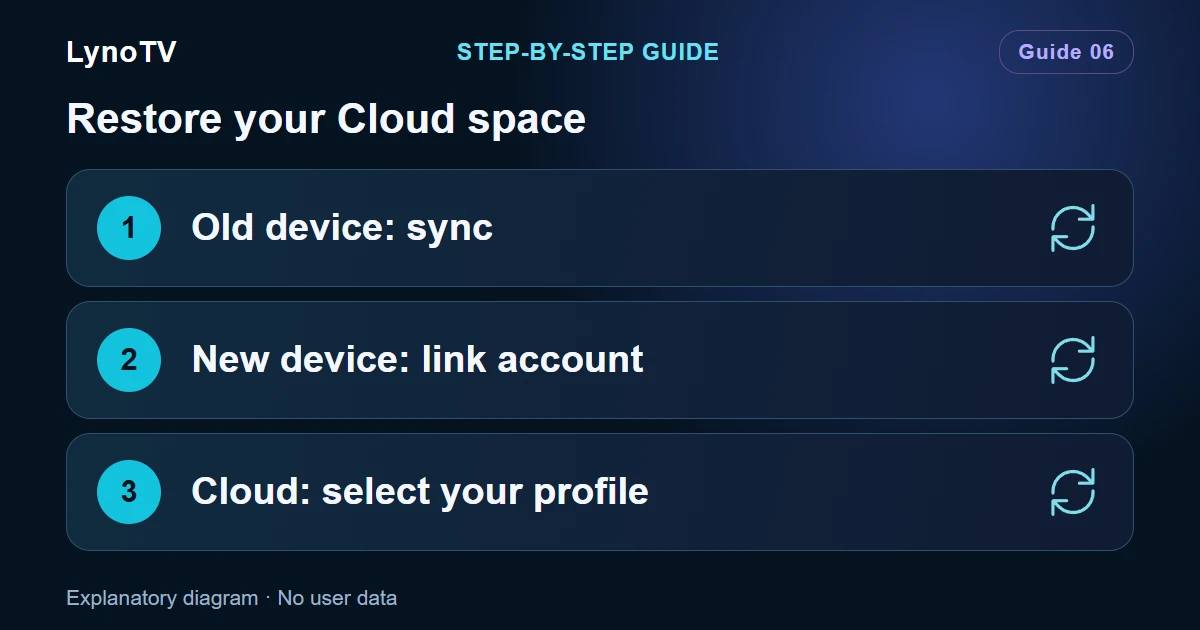
Read articlePrepare LynoTV Premium sync, link your new device and check which profiles, sources and resume positions have actually been restored.
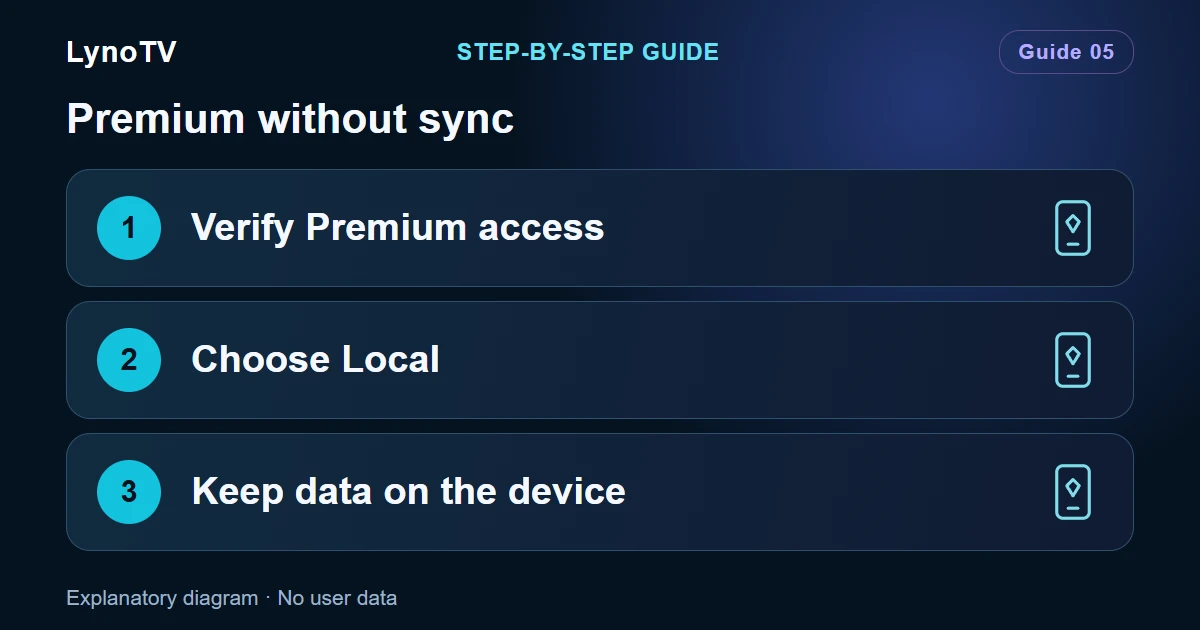
Read articleUse LynoTV Premium’s local capacity without syncing playlists. Understand account linking, local profiles and the separate Cloud space.
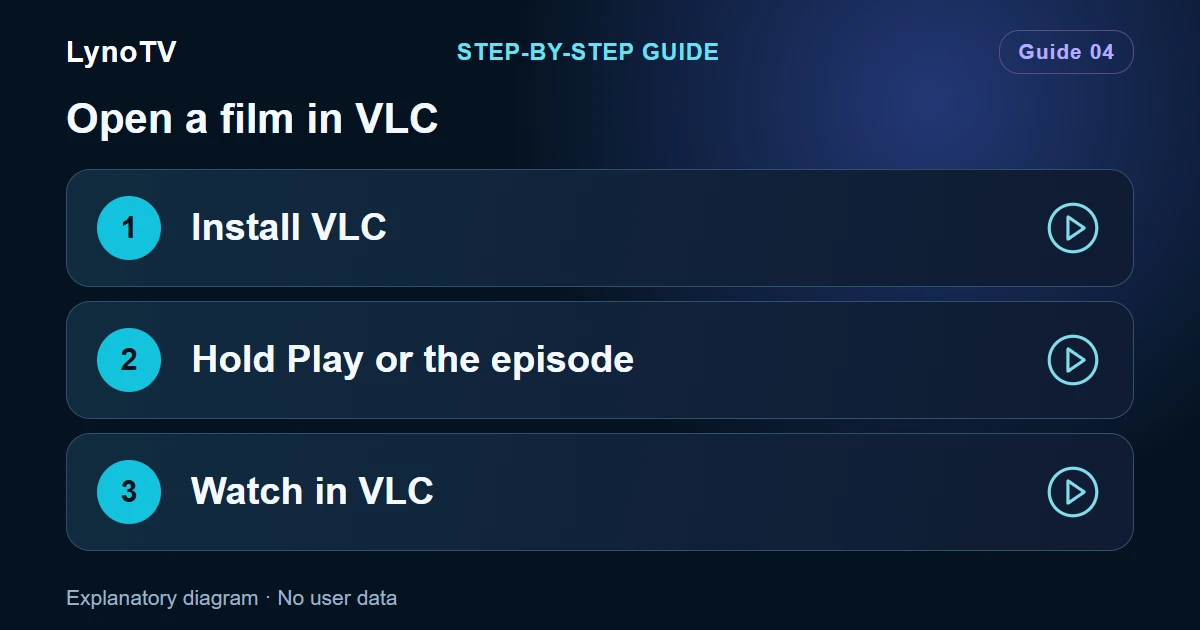
Read articleLearn the long-press shortcut for opening films and episodes in VLC from LynoTV on mobile or TV, and what external playback changes.
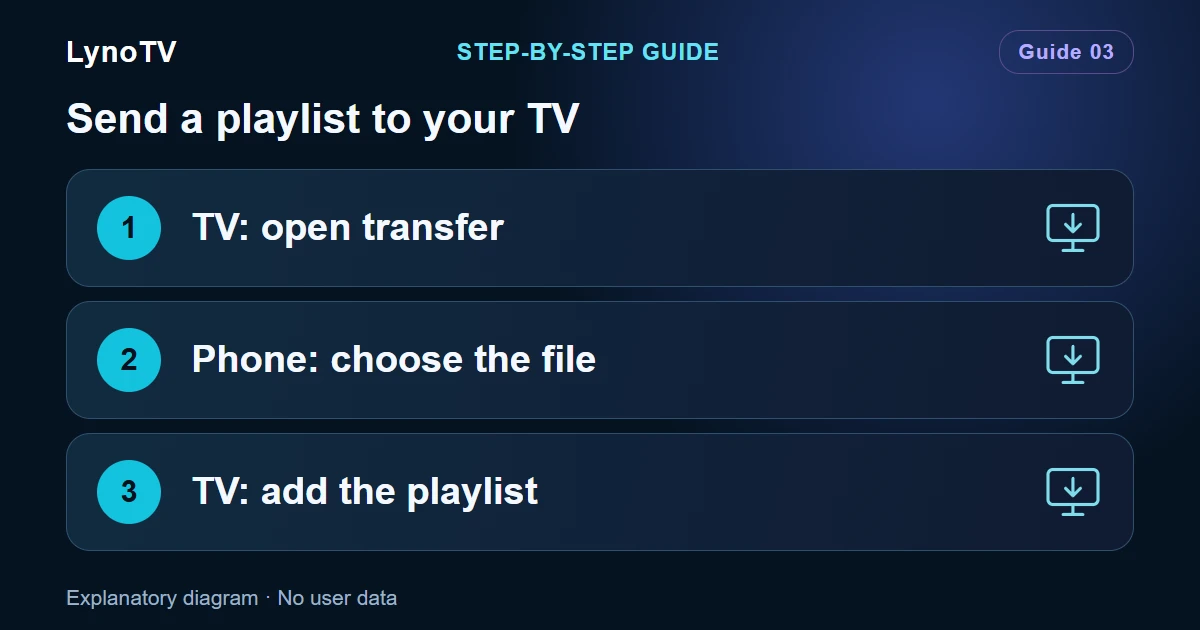
Read articleNo file picker on your TV? Send an M3U or M3U8 playlist to LynoTV through a browser on your private local network.
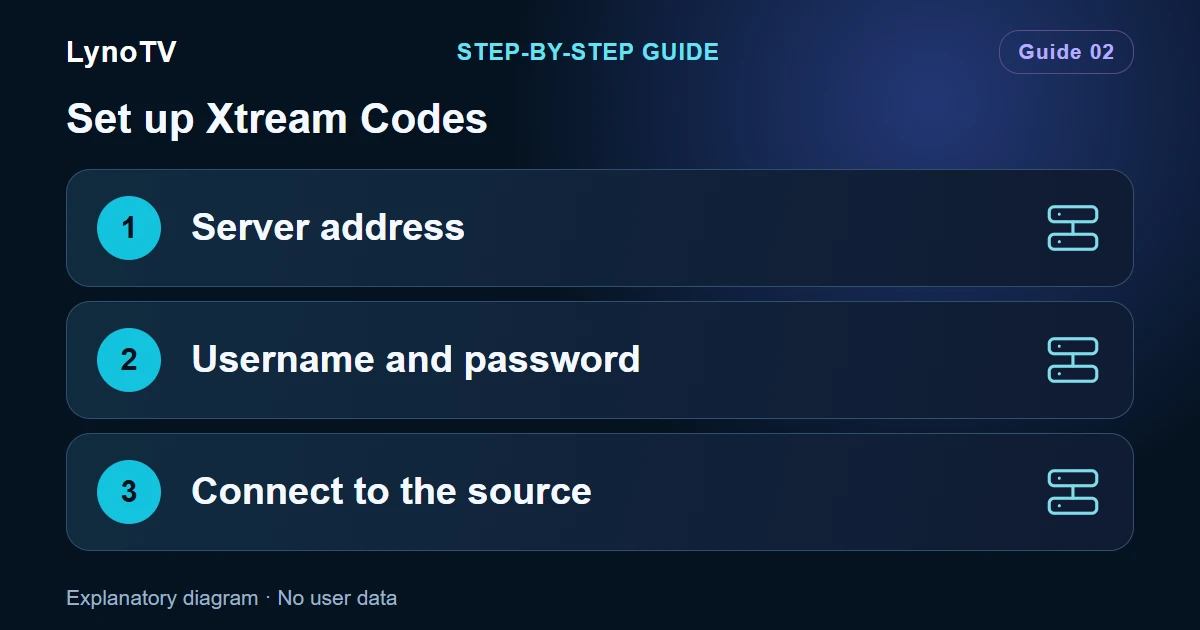
Read articleEnter your server address, username and password in LynoTV, then check your Xtream Codes connection and programme access.
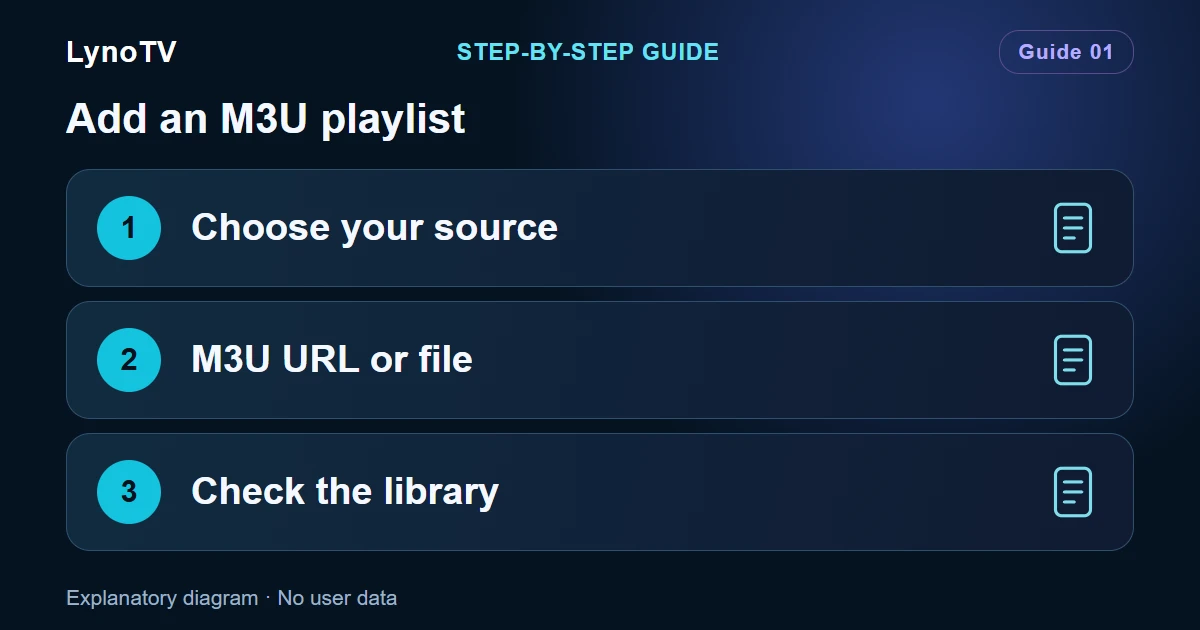
Read articleImport an M3U or M3U8 playlist into LynoTV using a URL or a local file, then check that your programmes are available.
Read articleCompare Free, LynoTV Play and LynoTV Play Sync for your playlists and optional synchronization. All plans are free of LynoTV advertising.
Read article