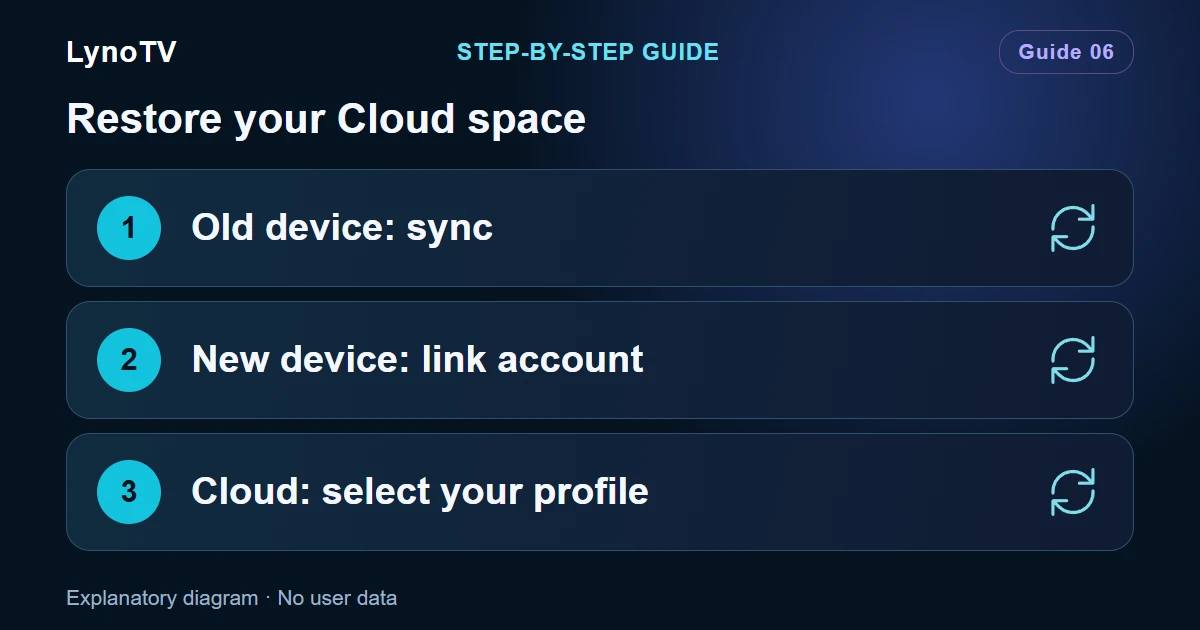
Before changing your phone or TV, check what has actually been synchronised. Premium can restore your Cloud space with your consent, but it does not automatically turn every local profile into a backup.
Screenshots of the LynoTV Android app. Layout and labels may vary by device, language and version.
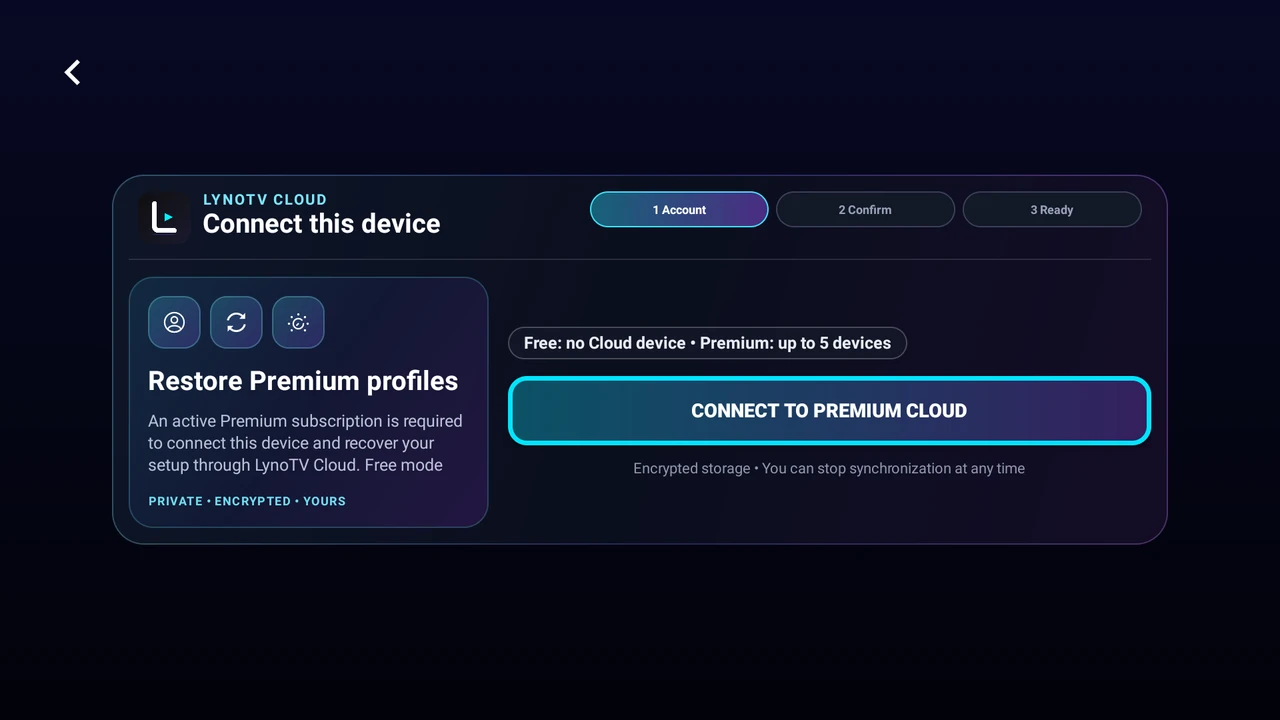
The Premium profile restoration entry screen on Android TV, before account sign-in. No personal account or connection code is shown. Interface in English.
Check the old device
Open LynoTV while connected to the Internet. Check that you are using the correct Premium account, that sync is authorised and that the profiles you need belong to the Cloud space.
In the website’s member area, open Synchronisation and check the profiles and playback sources listed there. If something is missing, keep the old device and its configuration until the issue is resolved. The settings protection code may be requested for a sensitive source action in the Android app; it is not a sign-in step for the Web form.
Set up the new device
- Install a recent official version of LynoTV.
- Open the account-linking flow in the app.
- Follow the displayed QR code, or open Your devices on the website with the same LynoTV account and enter the six-character pairing code.
- Finish pairing on the Android device, then grant sync consent if needed.
- Return to LynoTV, choose Cloud and select the expected profile.
If the device limit has been reached, review the device list in your member area. Revoke only an old device you recognise and no longer want linked.
Check the restored items
Let the app retrieve the configuration and reload catalogues from your sources. Open a familiar profile and check its favourites and resume positions.
Cloud data and video programmes are different things. Catalogues, artwork and videos are not transferred as a full copy of the old device. Your sources still need to be valid and reachable.
M3U files and downloads
Cloud does not transfer the M3U file itself. On a new device where that file is missing, select it again. Keep a copy of the original. Downloaded videos also remain on the device that downloaded them.
Progress from videos opened in VLC is not guaranteed to appear in LynoTV’s resume feature. To check resume synchronisation, use a video played with the built-in player.
Only reset the old device once you have checked the items that matter to you. If you prefer independent spaces, read about using Premium locally.
Cover image: Explanatory diagram · No user data.