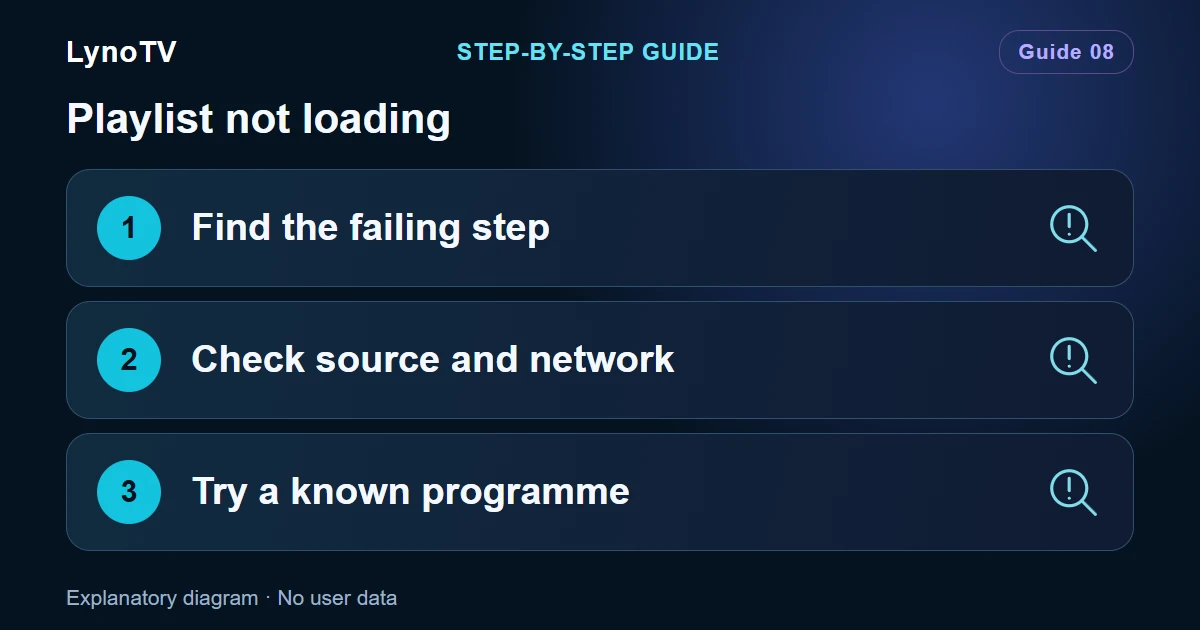
A playlist that cannot be added, an empty catalogue and a video that will not start are different problems. Note what you see, then check the relevant step. Avoid deleting the source or clearing Android app data at the first failure.
1. Adding the playlist is blocked
If LynoTV says there is no free slot, check the offer’s capacity and whether you are using Local or Cloud. This is a configuration limit, not an M3U playback error.
If no file picker opens on your TV, use an M3U URL or a compatible Android file manager. Integrated transfer can only be used if your version displays that screen. See the TV transfer options if your version offers this feature.
2. The URL or credentials are rejected
For an M3U URL, copy the full address without extra spaces and retain its parameters. For Xtream Codes, check the server, username and password separately.
Then check your Internet connection and confirm with the service that your access is active. Do not disable device protections or install an unknown certificate to bypass a secure-connection error.
3. The file arrives, but the list appears empty
Check that you chose the right file. A Web page saved with an .m3u filename is not a playlist. Some M3U8 files describe one HLS video rather than a list of programmes.
A large playlist takes longer to analyse. Let loading finish before deciding that the app is stuck. The entry count, data quality and device resources all affect that time.
Screenshots of the LynoTV Android app. Layout and labels may vary by device, language and version.
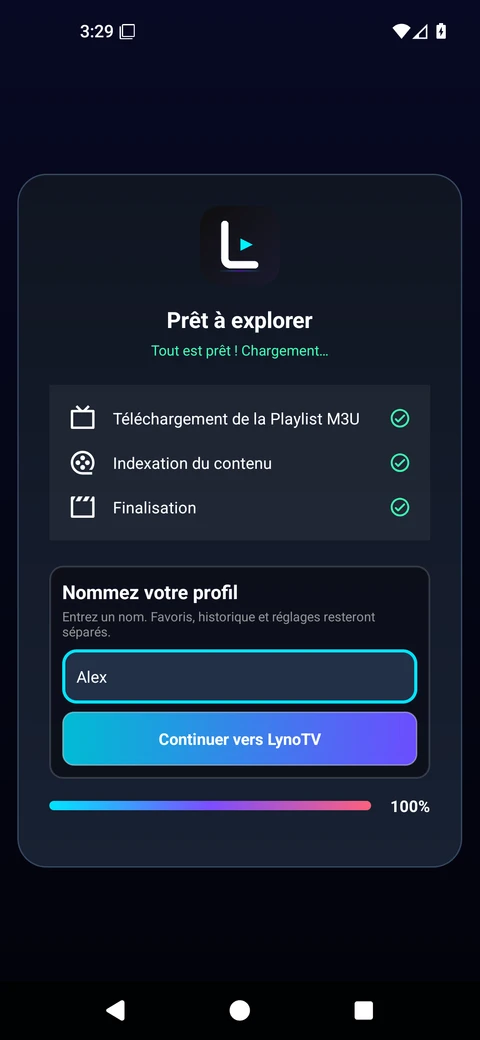
LynoTV shows all three steps completed after importing the playlist sample, then asks for a profile name. Alex is a demonstration name. Interface in French.
4. The catalogue loads, but videos fail
Try two or three different programmes. If just one fails, its stream may be unavailable. If all fail, check the service and its simultaneous-playback limit.
On supported detail screens, trying VLC can help compare players. It does not fix expired access.
Send a useful support request
Include your device model, LynoTV version, source type, the time of the problem and the exact error message. Explain whether importing or playback fails. Hide credentials, private addresses and complete source links before attaching a screenshot to LynoTV support.
Cover image: Explanatory diagram · No user data.