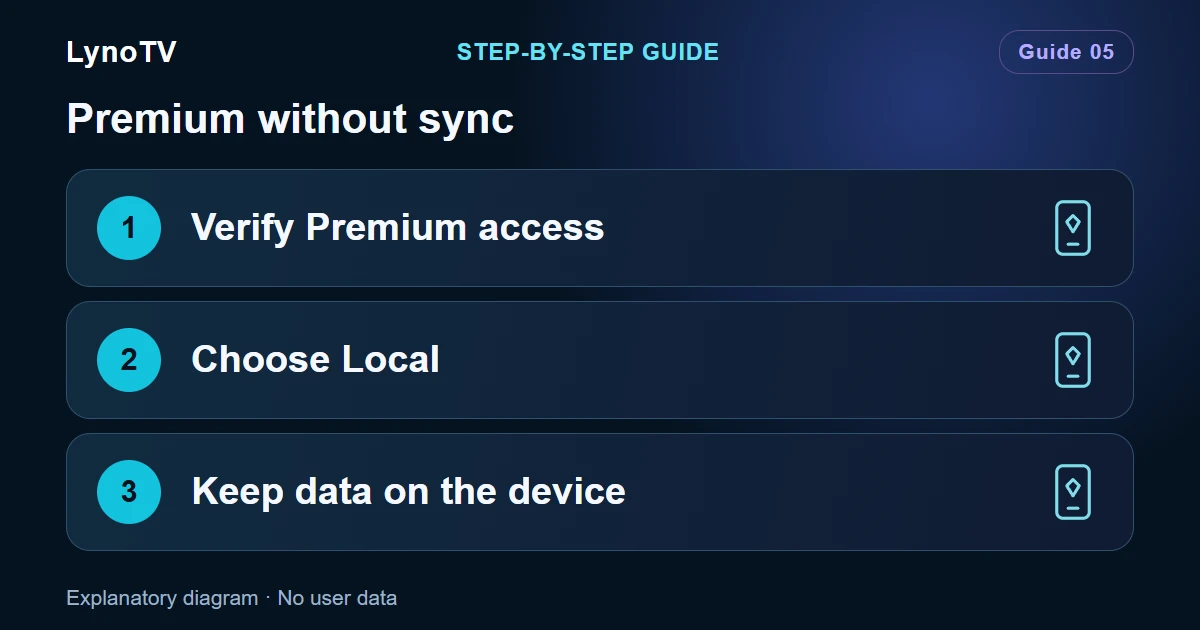
Premium and Cloud mean different things. Premium describes your subscription rights. Local and Cloud describe the space where you use profiles and sources. You can have Premium while keeping your playback data on the device.
Screenshots of the LynoTV Android app. Layout and labels may vary by device, language and version.
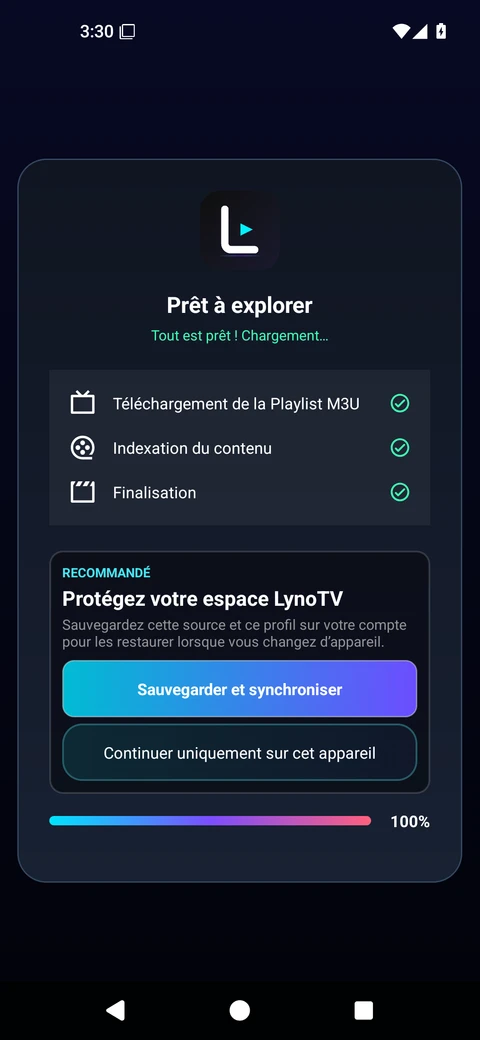
After import, LynoTV offers synchronization or continuing on this device only. This screenshot shows the storage choice; it does not show Premium activation. Interface in French.
Let the app recognise your subscription
LynoTV needs to verify the Premium account’s rights. If it still shows Free, check the linked account and subscription status in your member area. Return to the app with an Internet connection so that it can refresh those rights.
Linking an account to verify a subscription does not replace consent to synchronisation. Do not enable sync if you intend to keep using local storage.
Choose the local space
- Open Your profiles.
- Use the Cloud / Local selector to display local profiles.
- Create or choose a profile in that space.
- Add your source through the local playlist management flow.
- Check the displayed counters before adding further profiles or playlists.
Each space has its own lists. An empty local screen does not necessarily mean that Cloud profiles were deleted. Check which space is selected first.
Choosing Local does not delete your Cloud profiles or withdraw the consent you already gave. Selecting a space and managing sync consent are separate settings.
Understand the limits
Local Premium limits apply per device. Cloud limits concern the account’s synchronised data. They are separate and can change with the offer policy. Check current values on the Premium page and in the app’s counters.
Check your app version, linked account and subscription status. If the counter is still incorrect after refreshing account rights, contact support without deleting your profiles or playlists.
What local use means
Local profiles, favourites and resume positions are not automatically copied to another device. Linking a Premium account is not a backup of that local space.
“Local” also does not make every video available offline. A remote source still needs an Internet connection to stream its programmes. Reinstalling the app or clearing its Android data can remove items stored only on that device.
To begin with a source, follow the M3U playlist import guide.
Cover image: Explanatory diagram · No user data.