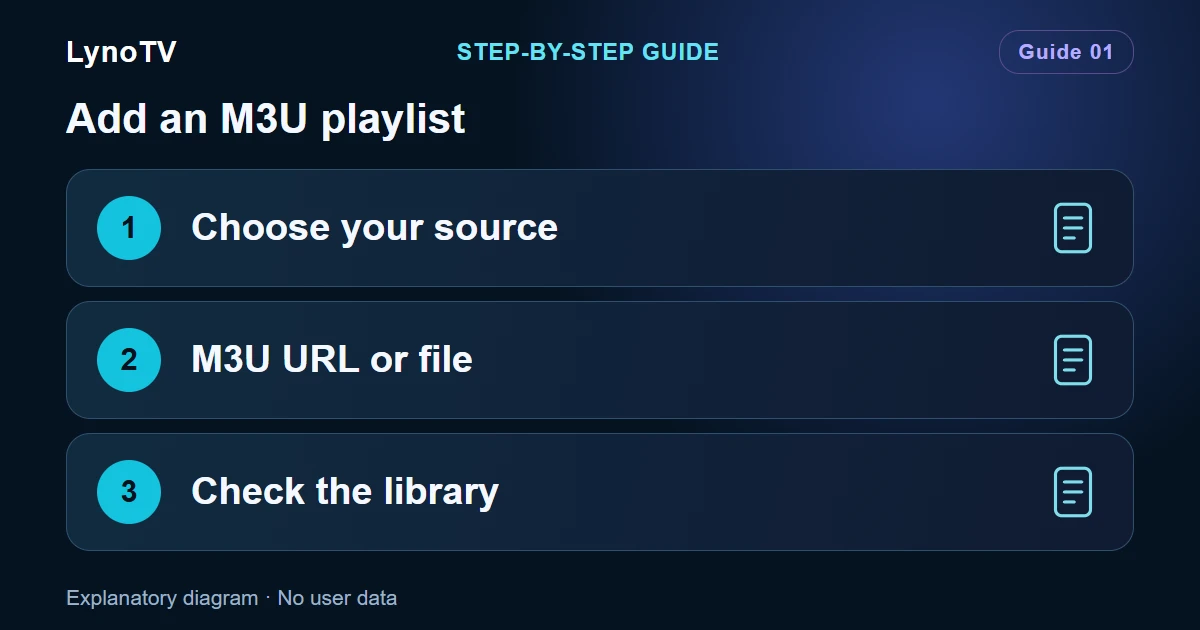
Have you received an M3U link or file? LynoTV accepts both. A URL retrieves a list from its address; a file is a copy saved on your device. LynoTV does not supply playlists.
Screenshots of the LynoTV Android app. Layout and labels may vary by device, language and version.
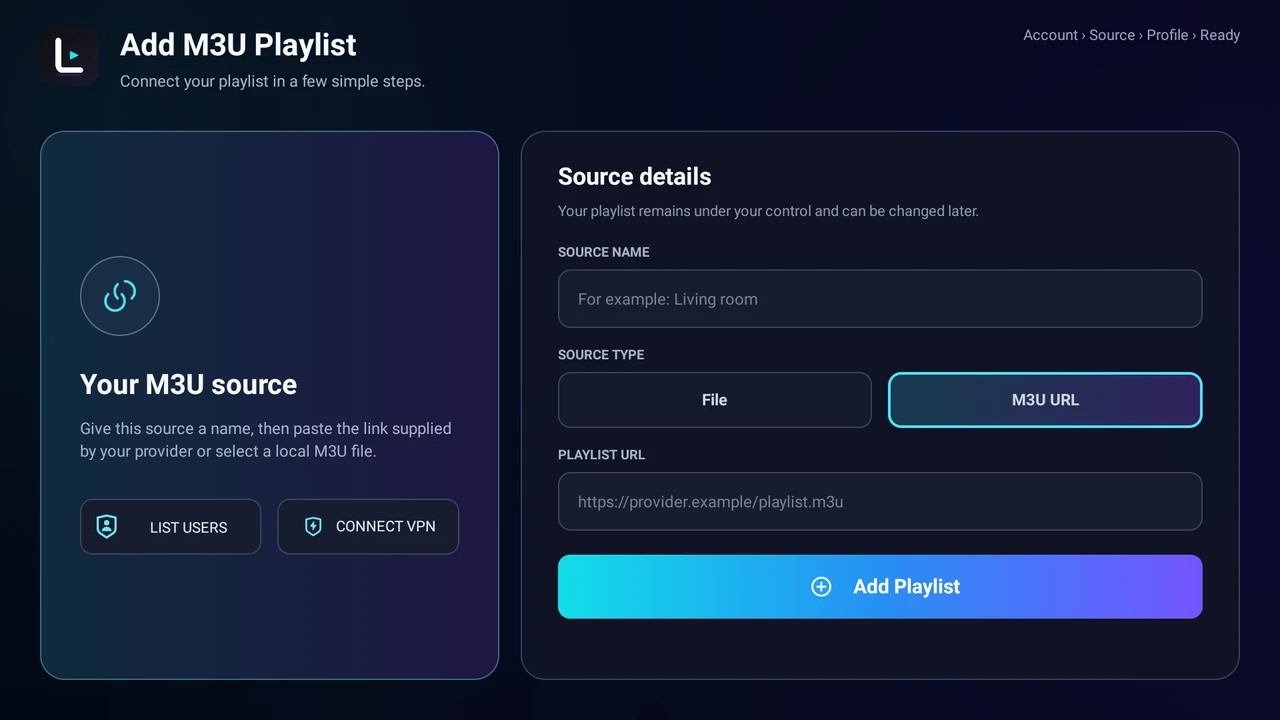
On Android TV, select M3U URL, then enter a source name and playlist link. App interface shown in English.
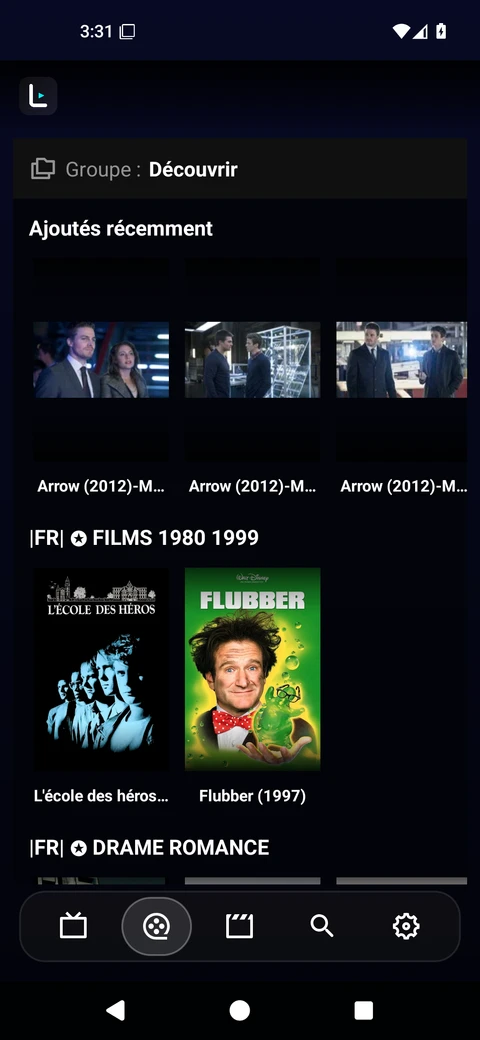
The Android catalogue after importing a playlist sample, showing its actual titles and artwork. Your catalogue depends on your own source; LynoTV does not provide this content. Interface in French.
Before you start
Have a source you are authorised to use ready, and choose a recognisable name such as “Living room”. If you have a URL, keep the entire address, including anything after a question mark. Those parameters may be needed to access the source.
Add a URL
- Open Your playlists, then Add playlist.
- Choose the M3U option and enter a source name.
- Select M3U URL and paste the address into the URL field.
- Check for spaces before or after the address.
- Confirm the addition and let loading finish.
A valid playlist URL does not always end in .m3u. Do not add that extension yourself.
Import a file
On the same screen, select File, then Browse. Choose your .m3u or .m3u8 file, check the filename shown in LynoTV and confirm Add Playlist. If no file picker opens on your TV, use an M3U URL or a compatible Android file manager. Integrated transfer can only be used if your version displays that screen.
Check the result
Open the playlist, browse its categories and try a programme you know should work. Names, artwork and categories come from the source. Missing cover art alone does not mean that the import failed.
An M3U8 file can also describe the segments of a single HLS video. It is not necessarily a channel catalogue. If the result is unexpected, ask your service for a playlist containing programme entries.
Is your playlist capacity already full?
Check the capacity shown in the app and the offer linked to your account. Before removing a playlist to make room, check which profiles use it. Local capacity and Cloud capacity are separate.
A local file is a saved copy, not a promise of automatic updates from its original sender. Keep the original somewhere you can find it if you need to import it again.
For an overview of the first steps, see the LynoTV guides.
Cover image: Explanatory diagram · No user data.


