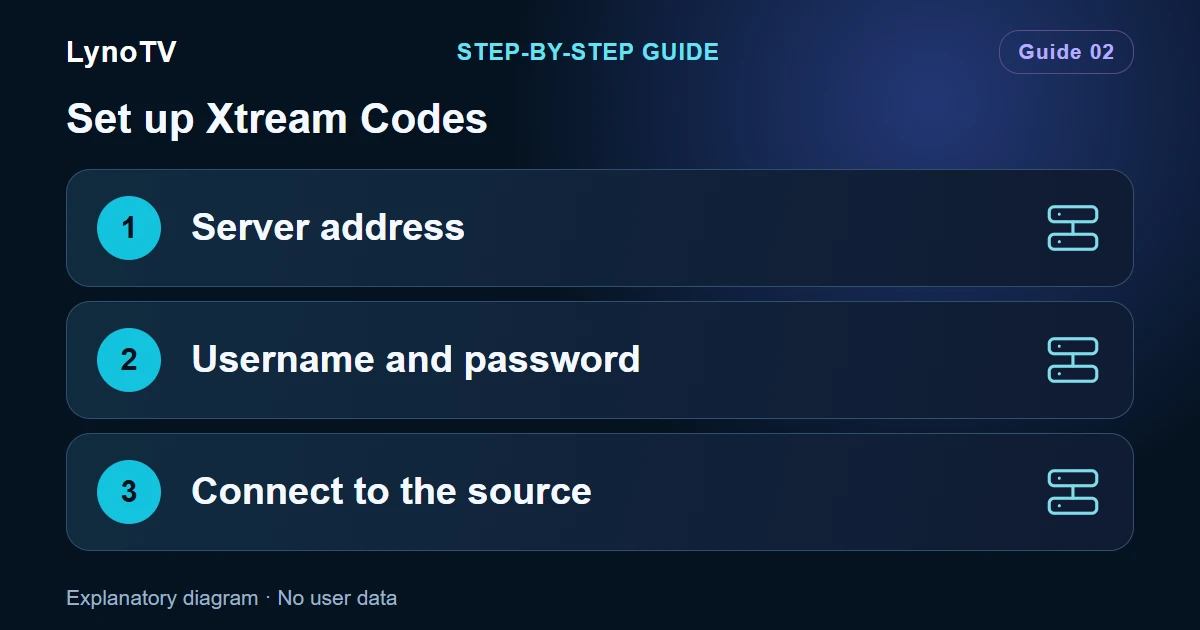
An Xtream Codes connection needs three details: a server address, a username and a password. These belong to your content service. They are not your LynoTV account details.
Screenshots of the LynoTV Android app. Layout and labels may vary by device, language and version.
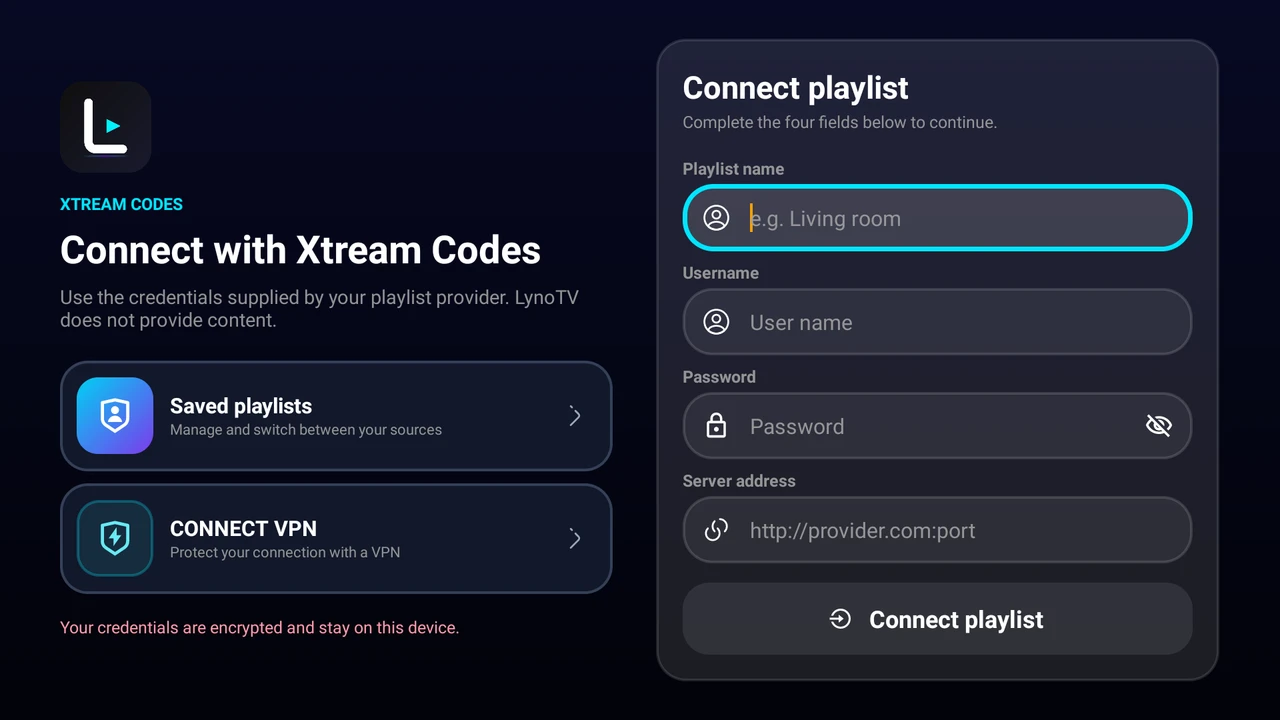
LynoTV’s Android TV Xtream Codes form separates the playlist name, username, password and server. The fields are empty; the visible text is the app’s placeholder text. Interface in English.
Have your details ready
Keep the information supplied by your service nearby. A server address may include a port, such as https://tv.example.com:8443. This is a fictional example with no content behind it. Keep the protocol and port actually supplied to you; do not invent an extra path.
Fill in the form
- Open Your playlists, choose Add playlist, then Xtream Codes.
- Give the source a name, such as “Living room”. This label simply helps you recognise it.
- Enter the server address in its own field.
- Enter the username and password separately, keeping the original capitalisation.
- Check all three values and confirm the connection.
When copying from a message, avoid including quotation marks, extra spaces or line breaks. Do not paste a full M3U link into the server field: a playlist URL uses a different form.
After connecting
Wait for loading to finish before opening a section. Depending on your source, you may see channels, films or series. A successful connection does not mean that your service includes all three.
Try a programme that your service says is available. This checks both catalogue access and actual video playback.
If your details are rejected
Check the server address, username and password separately. Then confirm that your service access is still active. If the catalogue appears but a video will not start, the issue may concern that stream or the number of simultaneous connections allowed.
LynoTV Premium does not renew a subscription with a separate content service. If you contact support, include the error message and your LynoTV version, but never your password.
If your service supplied a link instead of three separate details, follow the M3U and M3U8 import guide.
Cover image: Explanatory diagram · No user data.