This shortcut applies to film and episode detail pages opened from an Xtream Codes source. M3U lists may open the built-in player directly and do not necessarily offer this command. Install VLC on the same device before starting.
Install the right player
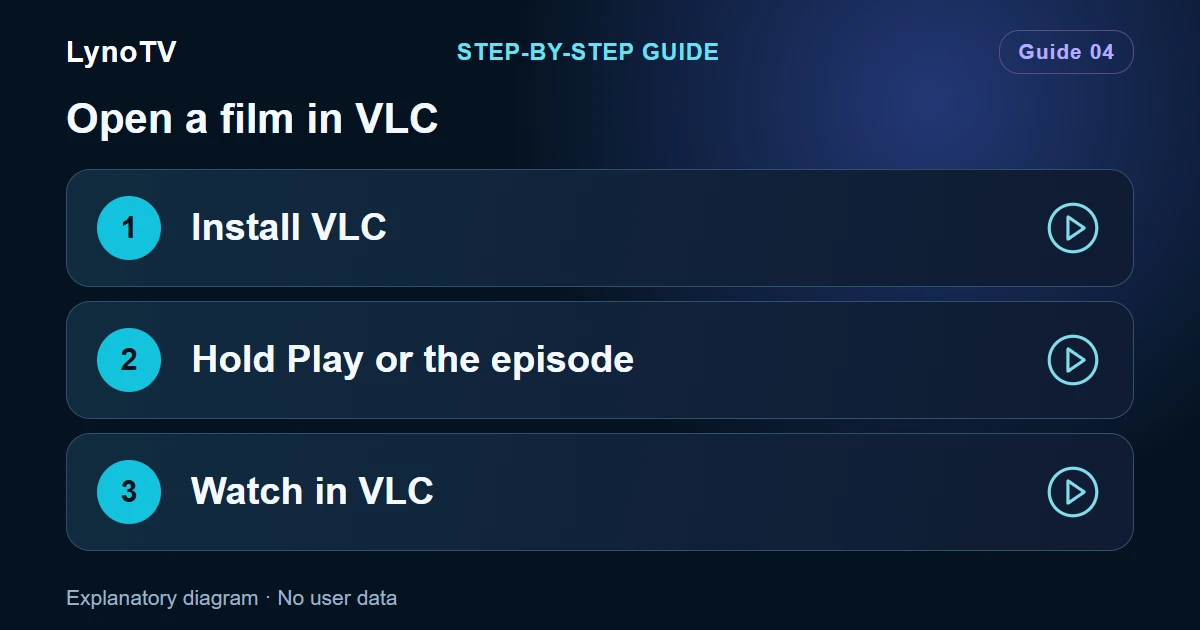
Install VLC for Android, published by VideoLAN, from your device’s available app store or the official VideoLAN website. Open it once to complete its welcome screens, then return to LynoTV.
Open a film
- Open the film’s detail page in LynoTV.
- On a phone or tablet, press and hold Play — or Resume if progress has been saved — instead of tapping it briefly.
- On TV, focus the Play button and hold the remote’s confirmation button.
- VLC opens and attempts to play the film.
A short press follows LynoTV’s usual playback path. An M3U list may use a different screen without this shortcut. Available actions depend on the screen and app version.
Open an episode
Open the series, select the season and find your episode. Press and hold its thumbnail or row. On TV, focus the episode and hold the confirmation button. This sends the selected episode to VLC; it does not automatically queue the whole season.
What changes in VLC?
Once VLC opens, use its own audio, subtitle and display menus. Do not assume that VLC will send playback progress or settings back to LynoTV: synchronisation of external playback is not guaranteed.
To return, leave the external player using Android navigation and reopen LynoTV. Avoid leaving several streams running if your source limits simultaneous connections.
If playback will not start
If LynoTV reports that VLC is not installed, check that the expected app is installed on this particular device.
If VLC opens but cannot play the video, try the same programme in LynoTV. Changing players does not fix an expired link, an unavailable server or a source restriction. Some streams also require parameters that the external player does not receive.
See the setup guides if you need to check how the source was added.
Cover image: Explanatory diagram · No user data.