Make a small screen work for you
A phone is not a television with less space. It is a different viewing context: you open the app for a short break, use a thumb instead of a remote and need useful options close at hand. LynoTV supports compatible Android phones and tablets with touch navigation, categories, search, favourites and playback settings.
Start by reducing choice rather than by browsing everything. Mark the channels, films or series you actually return to as favourites. A focused list is easier to scan on a small display and gives you a reliable starting point when you only have a few minutes. It also avoids confusing a personal selection with the catalogue itself: LynoTV organises what your source makes available.
LynoTV is a media player for M3U playlists or Xtream Codes access that you add. It does not supply channels, playlists, audiovisual content or an IPTV subscription. Programme listings, categories and guide data therefore reflect the source connected to the app.
Search first, scroll second
Long lists are tiring on a touch screen. When you know the title of a programme, channel or series, search before scrolling through a category. It limits repeated swipes and makes it easier to compare similar results. Categories are still useful for browsing, but search is often the fastest route when your goal is specific.
This distinction also explains why some details can vary. A TV guide is shown when EPG information is available from the source. Subtitle tracks, audio languages, catch-up and download options likewise depend on what the source and the selected item provide. The player can display and organise available data; it cannot invent missing information.
On a tablet, extra space can make browsing more comfortable, yet the principle is the same: keep a clear set of favourites and use search to jump to a known item. A simple routine is more valuable than opening several categories at once.
Change playback settings for a clear reason
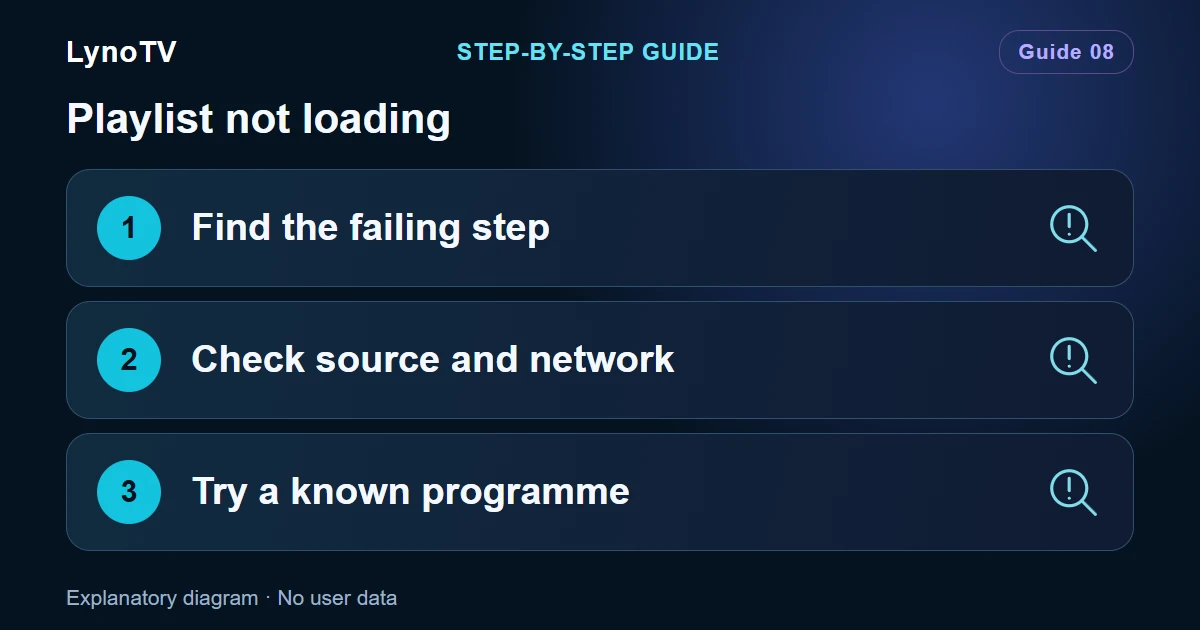
Before changing a player setting, identify the problem. If a programme starts but the desired audio language is missing, inspect the tracks offered for that programme. If playback behaves differently for one item, try another comparable item from the same source. LynoTV can work with compatible external players, but switching player is most useful as a focused test, not as a default response to every issue.
Screen rotation can improve comfort for a video, while stable connectivity remains important for uninterrupted playback. Do not change network options, player selection and source details all at once: one change at a time makes the result understandable. For downloads, check both device storage and whether the source supports the item; offline availability is not universal.
Decide whether local use is enough
Free use stays local to the Android device. That can be ideal for a personal phone or a tablet that has its own routine. Premium adds multiple playlists and encrypted Cloud synchronisation after your consent, for people who want continuity across authorised devices. Current conditions are available on the Premium page.
There is no need to enable synchronisation merely because it exists. Local use remains a valid choice. If you do use several screens regularly, consider what should stay consistent: favourites, profiles and added sources are more helpful to preserve than a complicated arrangement of rarely used lists.
A useful mobile habit
Favourites for repeat viewing, search for known titles and deliberate playback changes form a practical touch-first routine. For installation and source setup reminders, see the LynoTV guides. Use only access that you are entitled to use, and never share its credentials in a support request.