A paired device does not provide content
Pairing identifies a LynoTV installation in your member area. It does not provide channels, a playlist or an IPTV subscription. LynoTV remains a media player: you add your own M3U playlist or Xtream Codes access that you are entitled to use, and the app supplies no audiovisual content.
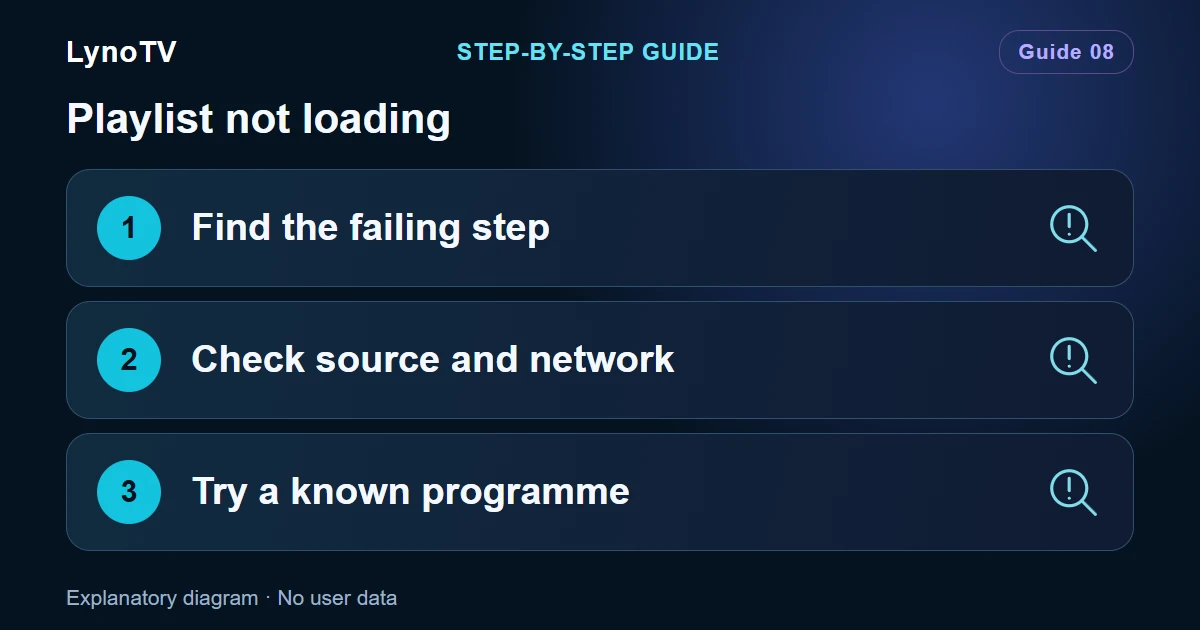
That distinction makes device management easier to read. The member area is for seeing and controlling the installations linked to your account; it is not the service that supplies your media access. If a source stops working, check its availability, connection details and network first. Never include its credentials in a support request.
Keep local use clear
By default, LynoTV data stays on the Android device. Local use can be ideal for a personal phone, tablet or television whose viewing routine you do not want to share. Favourites, profiles and information added in the player are not automatically sent elsewhere simply because you have a LynoTV account.
Before changing anything, identify the device you are looking at: its visible name, its screen type and whether it is still in use. This is especially useful in a home with several televisions and mobile devices. It helps prevent revoking a current device when the intention was to remove an old one.
The same principle applies on Android TV, Google TV, Fire TV, phones and tablets. Keep the device available during pairing so that you can confirm the information shown by the app and the member area.
Review before you revoke
LynoTV uses passwordless sign-in: a secure link sent to your email address opens the member area. Do not forward that link, and sign out when you use a shared computer or device. It is a small but important way to stop somebody else from managing your installations.
Read the device list before taking action. An old phone, a replaced television or a reset installation may still be present. Ask whether you still control it and whether it should remain associated with your account. If not, revocation is a deliberate way to remove its authorisation.
Revoking an old device affects its access in the LynoTV member area. It does not change the rights or availability of an independent media source. Its practical purpose is to keep your account limited to installations you recognise and still use.
Separate Premium, Cloud and consent
Multi-device features and Cloud synchronisation are Premium features and require your consent. They are not the same thing as owning more than one device or signing in to the member area. The current conditions and available features are described on the Premium page.
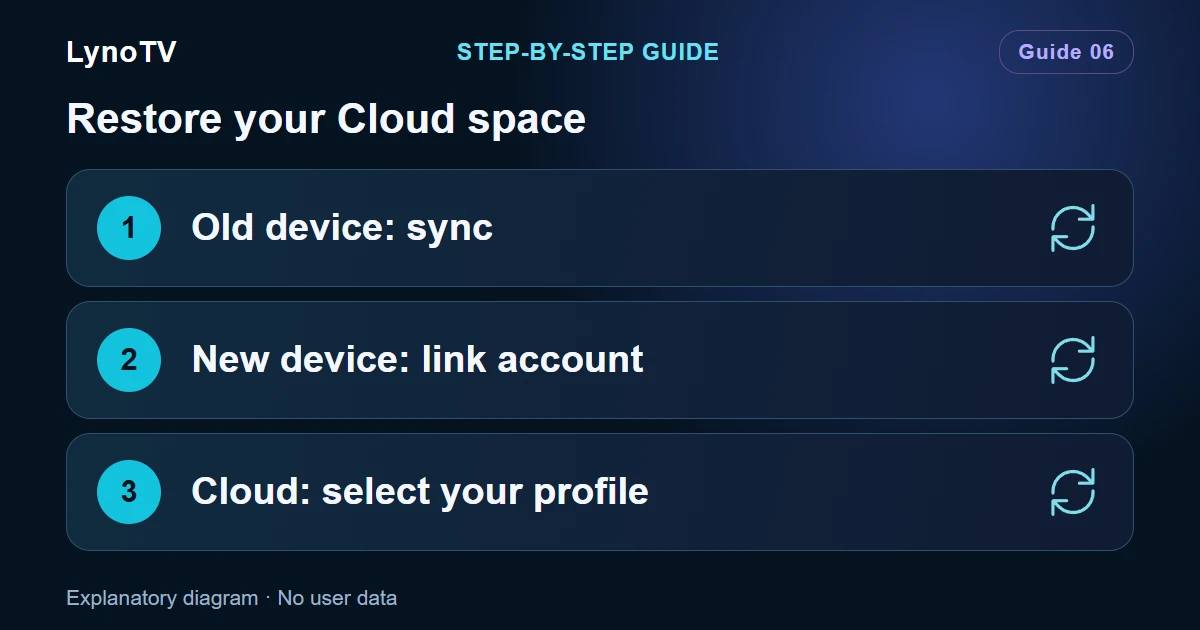
Consider what really needs continuity before enabling a Cloud feature. Local use remains available and may be the right choice. When you choose Premium, the purpose is to keep your LynoTV space consistent across authorised devices within the service’s current conditions and after your explicit agreement.
A useful check after every change
Review the device list when you add a new TV, replace a phone or give an old device away. Revoke installations you no longer recognise or control. The LynoTV guides cover setup steps for each screen, while support can help with an issue if you describe it without sharing passwords or playlist URLs.