Android TV and Google TV
Browse your channels, films and series with a remote on a compatible television or box.
Follow the Android TV guideLynoTV lighting evolves with your day and the seasons.
Local time is used. Location remains optional.
Play your channels, films and series with M3U playlists or Xtream Codes on Android TV, Google TV, Fire TV, Android phones and tablets. Start without an account; LynoTV does not provide content.
Use the M3U playlist link or Xtream Codes sign-in details supplied by your service.
LynoTV plays your own M3U and Xtream Codes sources on your TV or personal screen. Choose your device to prepare installation.
Browse your channels, films and series with a remote on a compatible television or box.
Follow the Android TV guideInstall the official APK on a compatible Fire TV or Fire TV Stick. The guides explain the steps with Downloader.
View the Fire TV installation stepsAccess your sources through a touch interface. You can start using the app without creating an account.
Download the Android versionSamsung televisions running Tizen and LG televisions running webOS cannot install the Android APK directly. Connect a compatible Android TV, Google TV or Fire TV device to the television via HDMI.
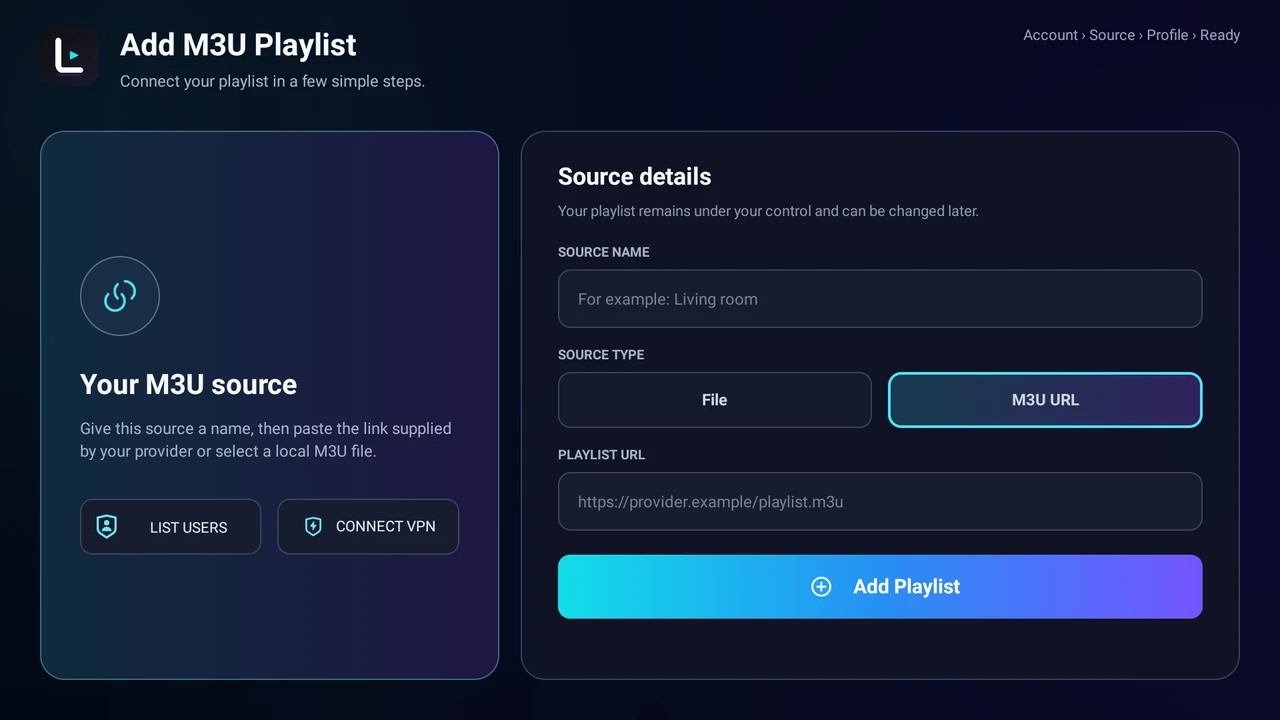
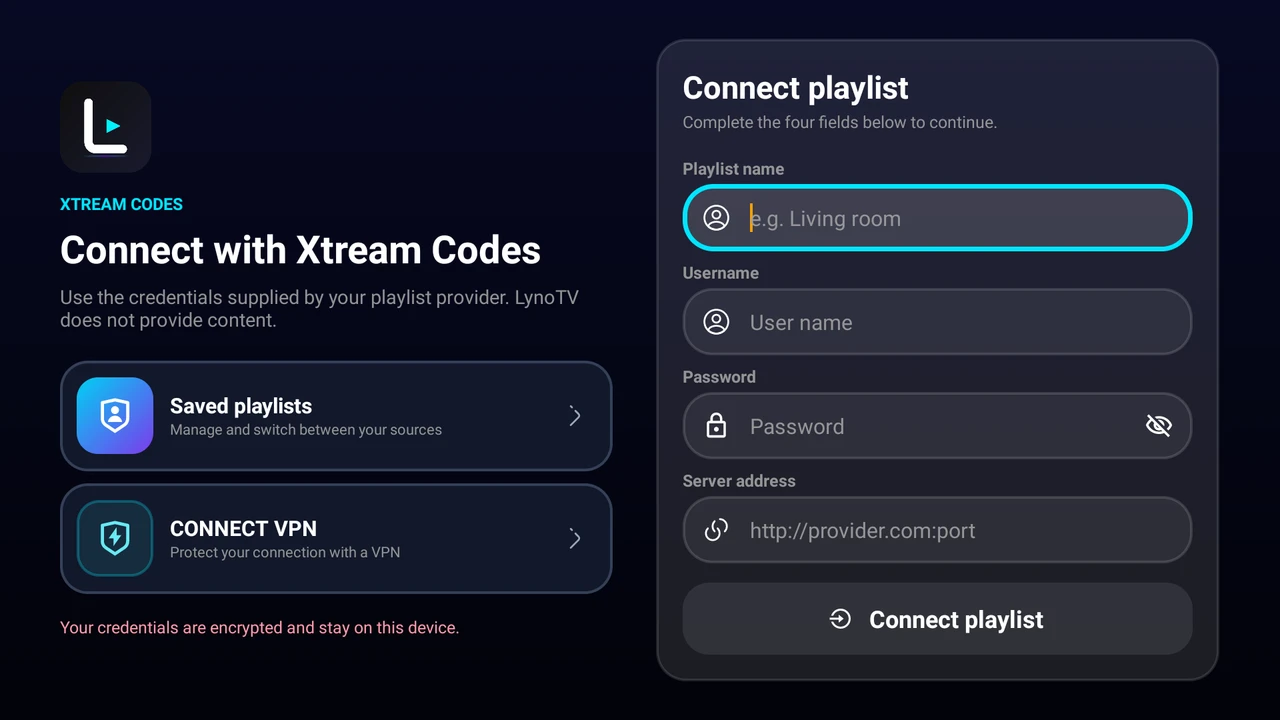
These are real source setup screens from LynoTV. Enter the details of your own service; no channels or playlists are included.
 Enlarge the screenshot in a new tab
Name your source, then use an M3U URL or a local file.
 Enlarge the screenshot in a new tab
Enter the server address, username and password in the app.
Real screenshots of LynoTV in English. Labels and layout may vary by language and installed version; no real credentials are shown.
Prepare installation and add your sourceUse the app without an account. With LynoTV Play Sync and your consent, keep your profiles and playback progress across devices.
Add your M3U playlist or your Xtream Codes credentials.
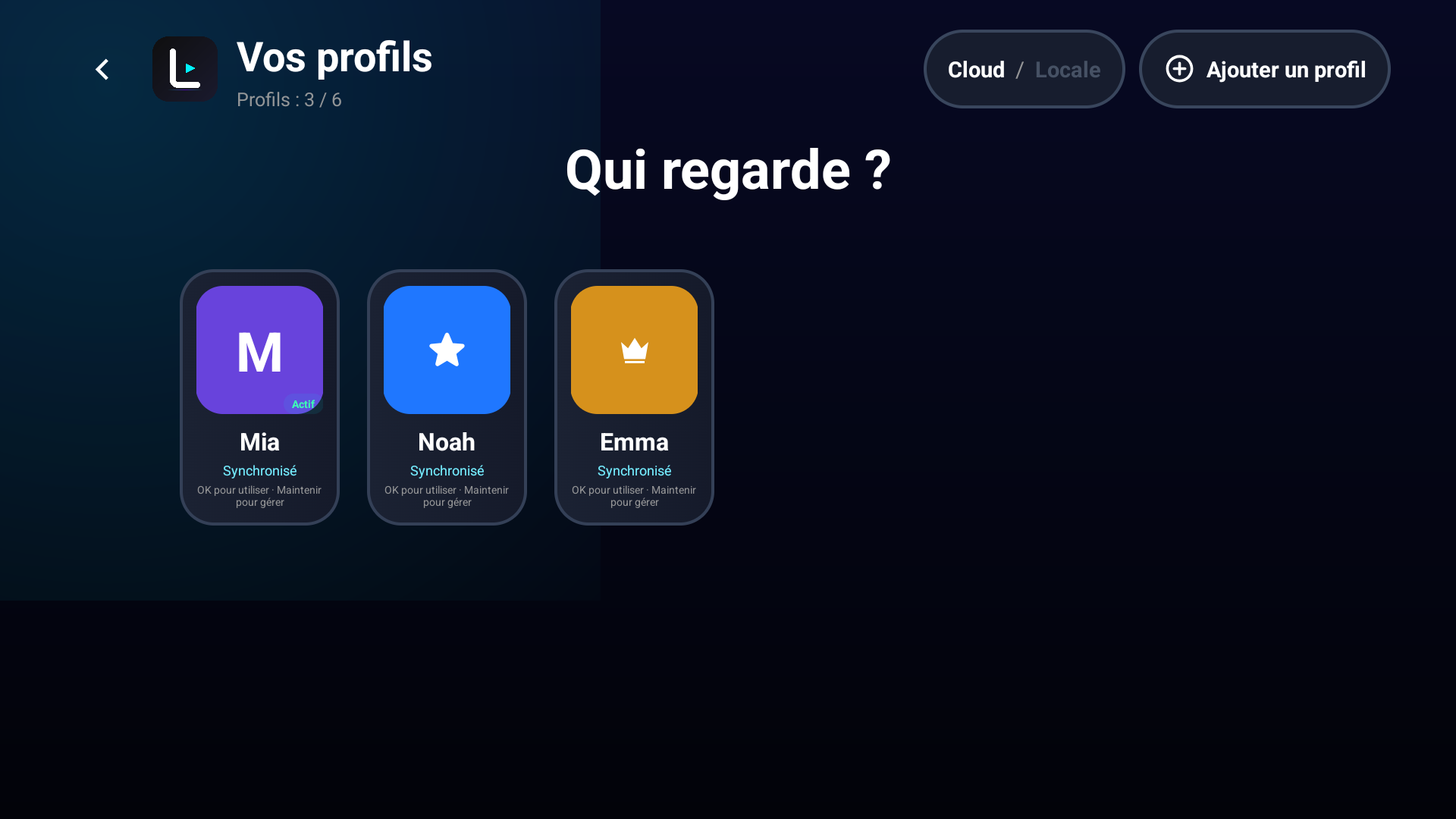
Give everyone a separate space for favorites, history and playback progress.
LynoTV Play Sync sync restores your space on your authorized devices.
Add your sources, organize your profiles and choose the features that suit the way you watch.
Add the link, file or sign-in details supplied by your service.
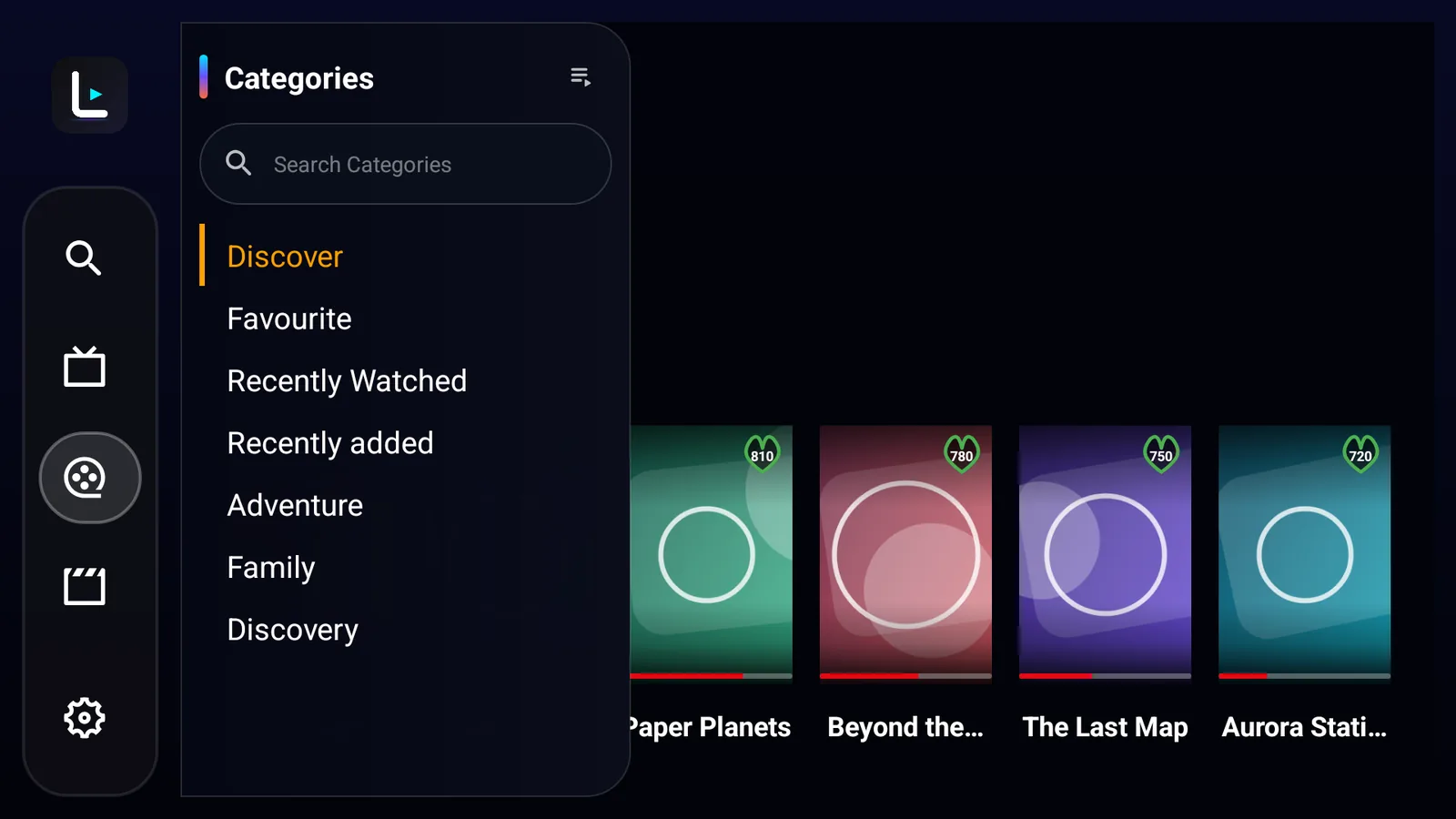
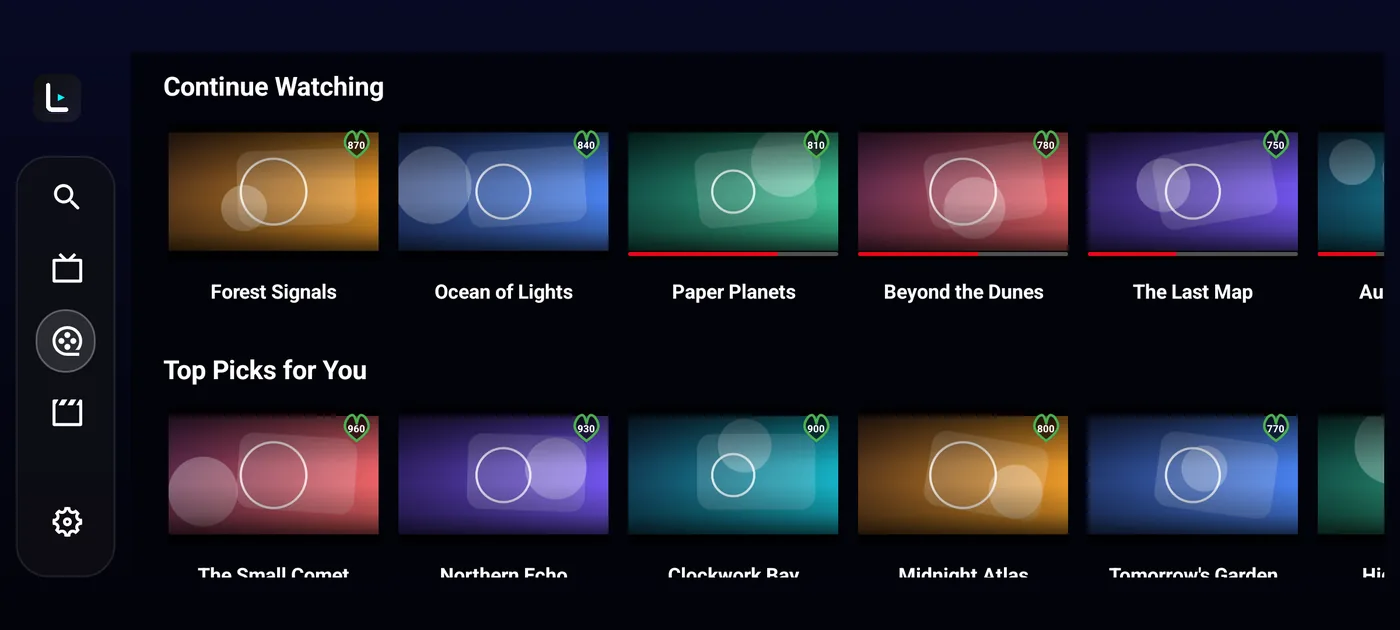
Find your channels, films, series and TV guide in one place.
Each profile keeps its own favourites, history and playback progress.
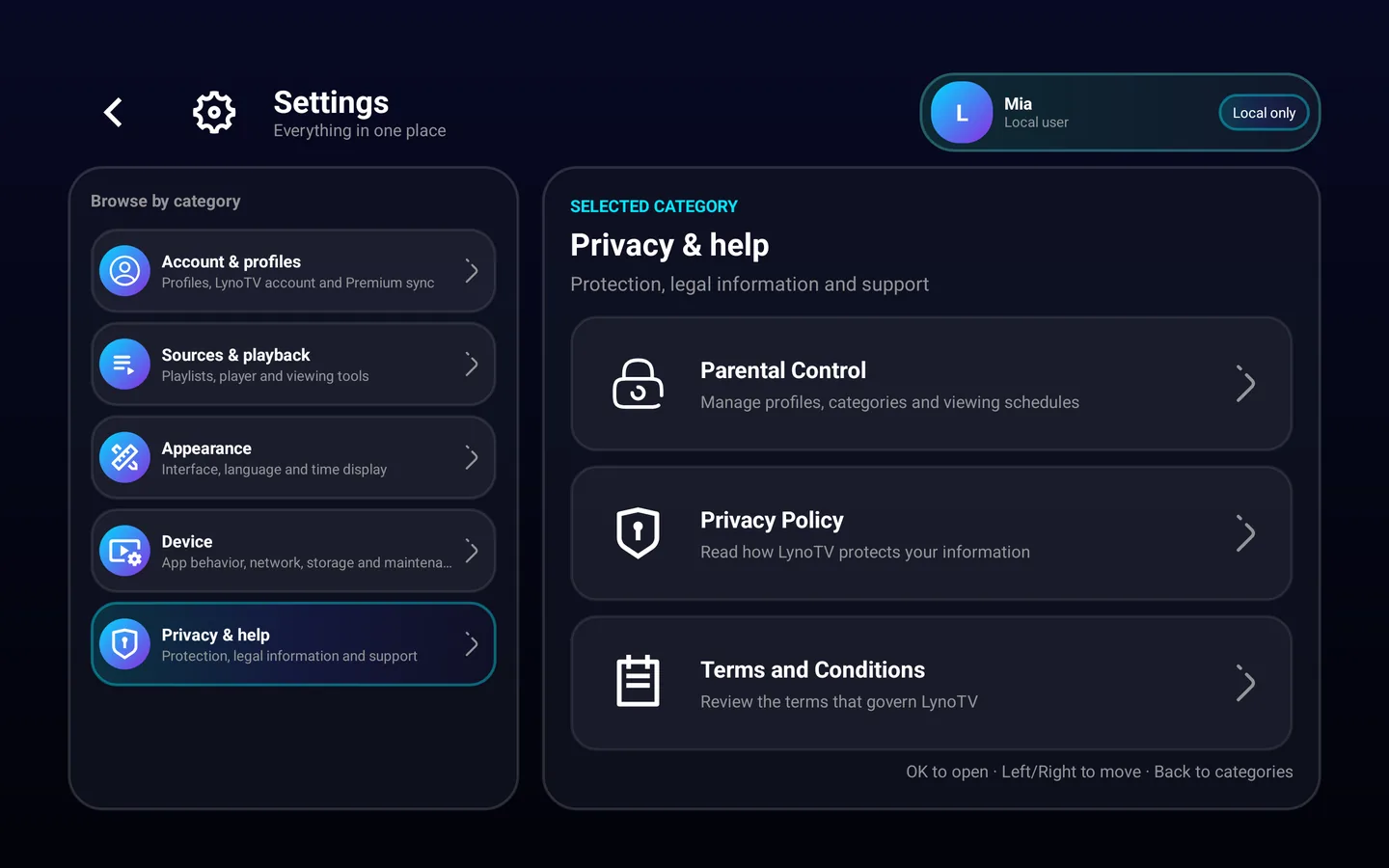
Protect profiles with a code on Android. Remote management needs LynoTV Play Sync and your consent.
With LynoTV Play Sync and your consent, resume a film from the same point on another device.
All LynoTV plans are free of advertising, on phones, tablets and TVs. No IPTV content or subscription is included.
Feedback published after review, never generated or purchased testimonials.
“La qualité de diffusion est excellente et je n'ai constaté aucun bug majeur jusqu'à présent.”
“Lovely design and straightforward navigation. Really pleased with LynoTV!”
Local use stays local. Cloud backup starts only after your explicit consent.
LynoTV Play Sync uses HTTPS to protect compatible source credentials in transit, and the synchronized copy is encrypted at rest.
Watch and organise your playlists with LynoTV.
Choose a walkthrough for installation, M3U playlists, Xtream Codes, playback or profiles.
Install LynoTV from Google Play or the official APK, add your M3U or Xtream Codes source and check playback on Android TV or Google TV.
Import an M3U or M3U8 playlist into LynoTV using a URL or a local file, then check that your programmes are available.
Enter your server address, username and password in LynoTV, then check your Xtream Codes connection and programme access.
Compatibility, sources and use: answers to help you choose and install your player.
Compare LynoTV plansAn IPTV player is an app that plays streams from your own source. LynoTV organizes and plays your channels, films and series on a compatible Android device using an M3U playlist or Xtream Codes credentials.
No. LynoTV does not provide channels, playlists or an IPTV subscription. You need your own source and the necessary rights to watch its content.
LynoTV is designed for compatible Android TV, Google TV, Fire TV, Android phones and tablets. For a Samsung Tizen or LG webOS TV, use a compatible external Android TV, Google TV or Fire TV device.
Yes. Install LynoTV and use its free features locally without an account. LynoTV Play adds local features; LynoTV Play Sync adds synchronization between devices with your consent. Limits and conditions are shown on the Plans page.
Choose the source type in the app. For M3U, add the playlist URL or a local file. For Xtream Codes, enter the server address, username and password supplied by your service. The Android TV guide explains the first steps.
The TV guide depends on EPG data from your source. Replay, also called catch-up, depends on the streams and rights offered by your service. LynoTV does not create missing programmes or replay streams.
Install LynoTV, add your source and choose how you want to use it.
Latest Android version: 1.3.1