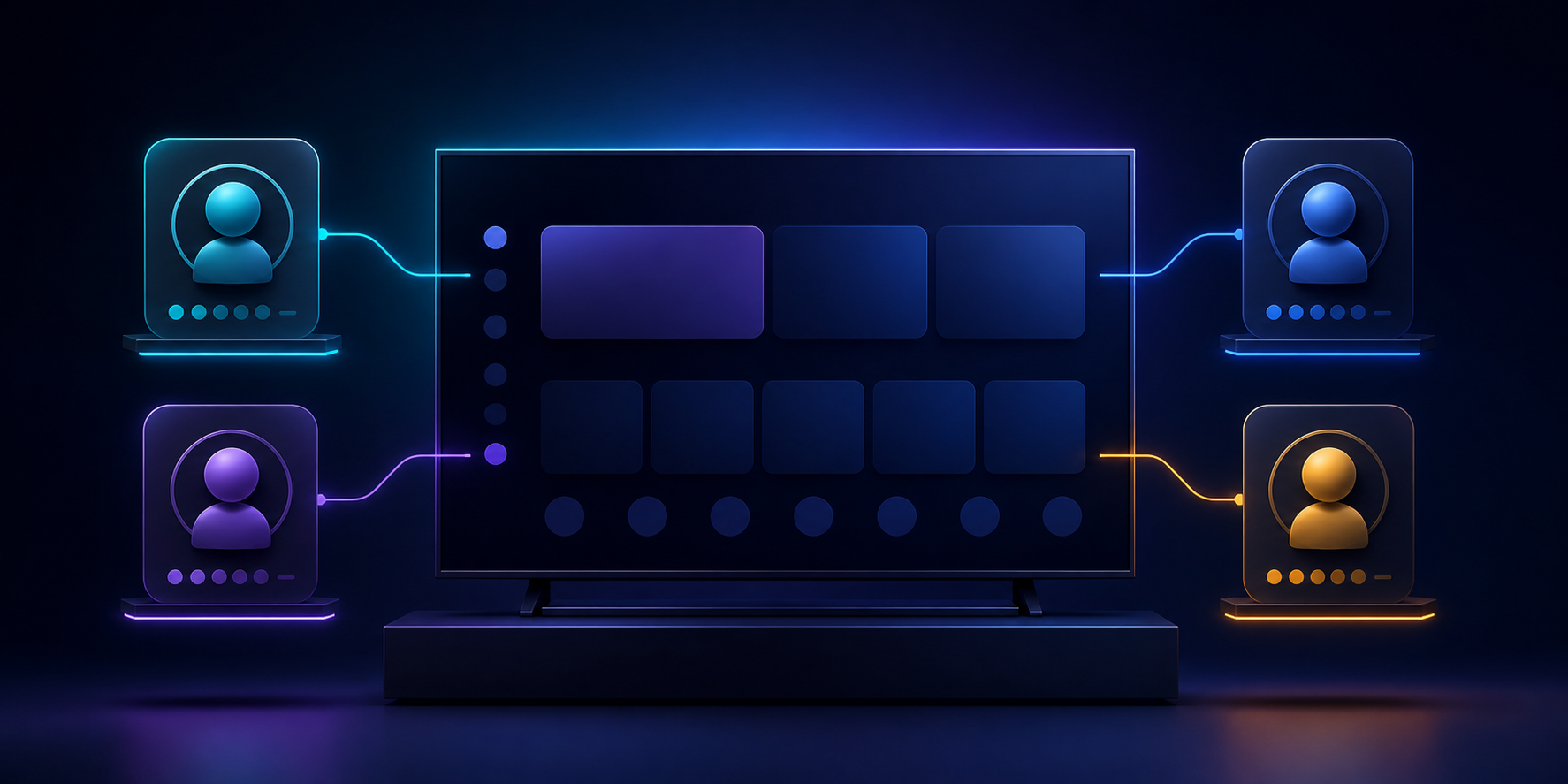
A shared television can become confusing surprisingly quickly. A search from the previous evening appears in the wrong history, a resume point belongs to someone else, and favourites stop being useful. LynoTV profiles address that practical problem by giving each person a separate place to start, while keeping the main screen straightforward.
LynoTV is a media player for M3U playlists and Xtream Codes access that you are permitted to use. It does not provide channels, playlists, audiovisual content or IPTV subscriptions. Profiles simply help organise the experience inside the player.
What a profile changes in everyday use
A profile is more than a name on the welcome screen. It keeps a person’s favourites, viewing history and playback progress together. In a household, that separation reduces familiar mistakes: continuing somebody else’s episode, losing a personal selection in a long list, or opening the wrong source at launch.
Imagine one person mostly watches on the living-room Android TV, another uses a tablet, and a third profile is kept for occasional guests. Starting with separate spaces makes each route easier to understand. It also makes it clearer which favourites should stay and which unfinished programme actually belongs to the current viewer.
Build a simple profile structure first
Create profiles around people, rather than around devices. Use names that can be recognised quickly with a remote control: “Living room”, “Maya” and “Guest” are clearer than several similar initials. Then associate a source when it fits the intended use. A profile can also remain without a source while you finish organising the device.
That approach prevents unnecessary duplicate settings. The purpose is not to create a complicated account system; it is to make the initial choice obvious. On a television used by several people, the profile selector becomes a short, readable starting point.
Local use and optional restoration
Free use remains local to each Android device by default. Profiles, playlists, favourites and settings are not copied to the LynoTV Cloud. This is often the right choice for a single installation, such as the television in one room.
With Premium, you may choose encrypted synchronisation after giving explicit consent, so that profiles and the settings needed to restore them can be available on authorised devices. This does not turn LynoTV into a content service: catalogues, artwork, TV guides and videos are not copied by the service.
The sensible order is to establish a useful local structure first, then enable synchronisation only if you genuinely need that space on another device. See LynoTV features and Premium for the current conditions.
Keep the selector useful over time
After a few days, review the profiles you created. Rename an unused one, remove a temporary one, or associate a more suitable source with an active profile. A minute of maintenance keeps the welcome screen from becoming another long list.
Profiles are particularly helpful when one screen supports different viewing rhythms. They make favourites more relevant, resume points more dependable and navigation faster whether you use a remote or touch controls.
Make a shared screen feel personal
Creating profiles does not require changing an existing access or sharing credentials. It is simply a way to give order to a shared experience. Start with two well-defined profiles, observe how the household uses them, then refine the layout. For device-specific help, read the LynoTV guides.