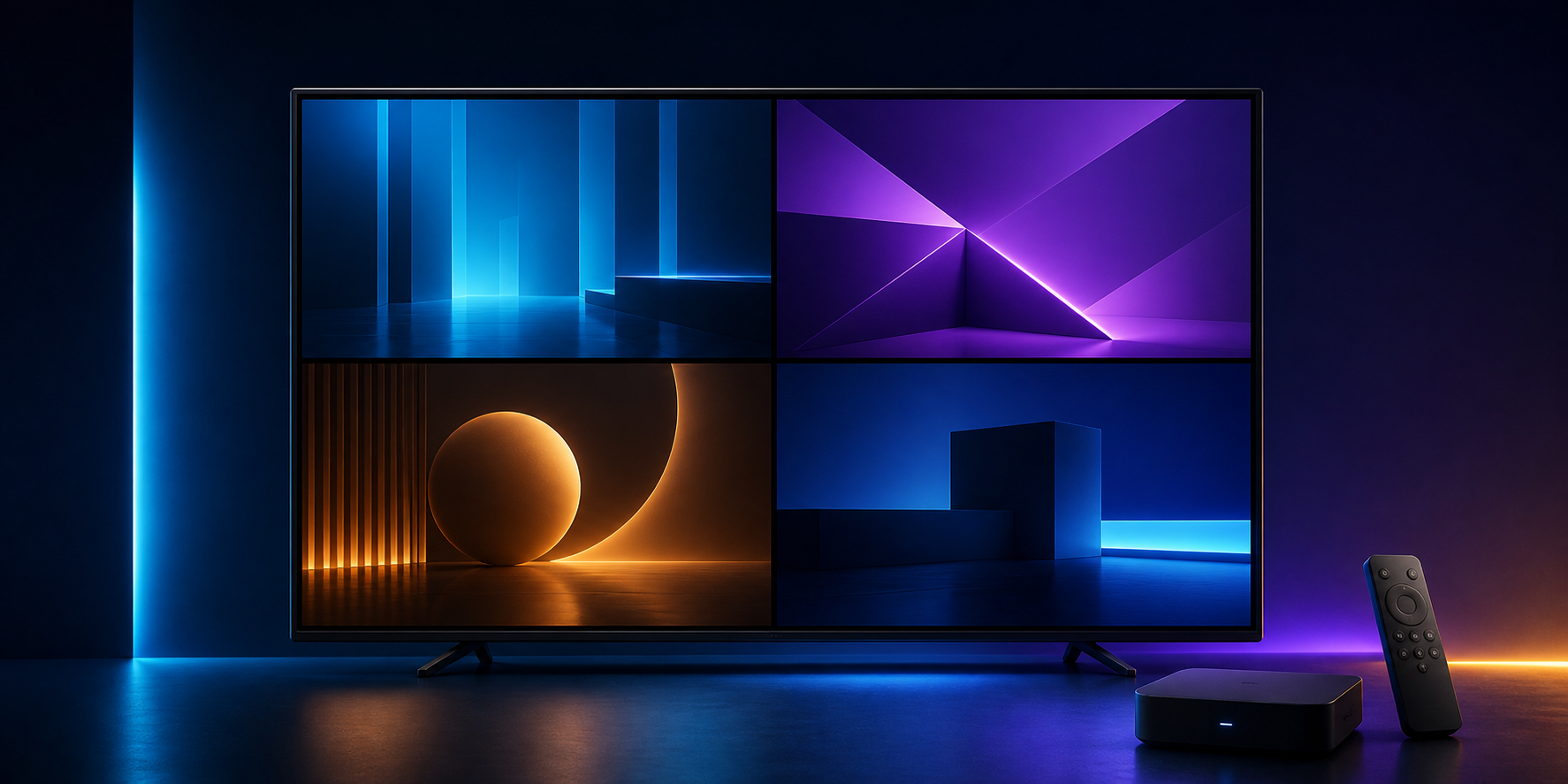
Multiview is useful when you want to keep an eye on several events or programmes without constantly changing screens. LynoTV can display up to four compatible streams on one screen. “Compatible” matters: four simultaneous plays are not guaranteed in every situation, because the result depends on the device, the network and the access being used.
LynoTV is an M3U and Xtream Codes player. It provides no channels, playlists, audiovisual content or IPTV subscriptions. Multiview simply shows items available through access you are entitled to use; it does not change availability or rights.
Check three conditions first
Start with the screen. Android TV, Google TV or Fire TV on a suitably sized display makes four tiles easier to read than a small screen. On a phone or tablet, two views can be more useful than four very small pictures.
Next, consider the network. Every active stream uses data. A connection that feels fine for one programme may become unstable when several are played at once. Use a reliable network, avoid parallel downloads and test two streams before adding more.
Finally, the source must provide streams that play correctly in the app. An unavailable item, a service limitation or an incompatible stream does not become playable because multiview is enabled. The player displays only what the access can actually provide.
Choose a layout with a purpose
The best multiview session answers a specific need. For two live programmes, a two-part layout often stays more comfortable than four small panels. For several simultaneous events, four views can work when titles and pictures remain identifiable.
Begin with the main playback, then add secondary streams one at a time. Check image, sound and navigation at each step. If reading the screen becomes difficult or the network hesitates, use fewer tiles. Reducing the count is a sensible setting, not a failure.
Sound, focus and full screen
Only one audio stream is usually useful at a time. Choose the one you want to hear, and treat the others as visual references. When one programme becomes important, return to full screen instead of trying to follow everything at once.
This approach works well with a remote: keep the arrangement simple, identify the active tile and switch when necessary. TV-oriented navigation helps, but it cannot replace a readable layout.
Troubleshoot without changing everything
If one tile will not start, try that item alone first. If it works alone but fails with several streams, reduce the number of views and check the network. If it fails alone too, contact support with the device and symptom, never credentials. See LynoTV features for the available playback tools. Used with realistic expectations, multiview is a practical way to follow several moments without making navigation heavier.