
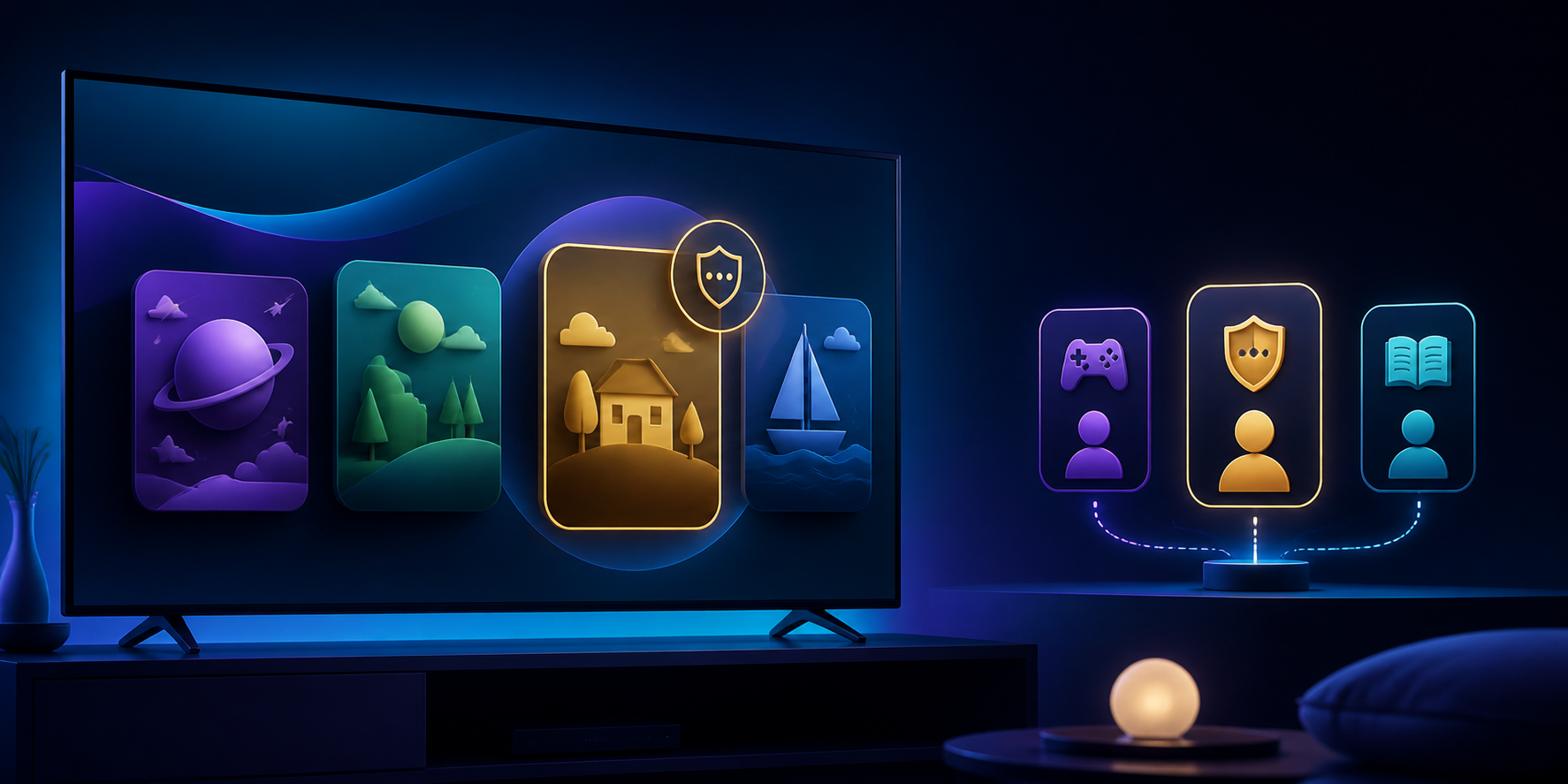
Useful parental controls start with one principle: do not use the same space for every person. In LynoTV on Android, a local PIN protects adult access to a LynoTV profile. This keeps adult settings private on a shared television or tablet without confusing a LynoTV profile with an Android account.
LynoTV is a player for M3U playlists and Xtream Codes access you are entitled to use. It supplies no channels, playlists, audiovisual content or IPTV subscription. Parental controls do not create a catalogue and cannot replace the choices made by the person or service supplying an access.
Choose the profile before choosing the PIN
Create or select the profile intended for family use first. This matters more than it may seem: applying settings to the main profile can restrict your own navigation. Give the profile a clear name, then check that it uses the intended source.
The PIN protects adult access locally on the Android device. It does not configure categories or time windows by itself. Keep it private, avoid easily guessed dates and do not leave it next to the television.
Separate the local PIN from Premium rules
The local PIN is the barrier protecting adult access. Category and time-window rules belong to Premium Cloud management after you give consent, and they require a compatible Xtream source. Available category labels depend on the data supplied by that source.
M3U files and M3U links remain local, so this Cloud management of categories and schedules does not apply to them. If an expected category is missing from a compatible Xtream source, note the screen state instead of sending credentials to support.
Test the configuration before handing over the device
After saving, leave adult access and try to return as another user would. Confirm that the local PIN protects that access. If you enabled Premium rules with consent for a compatible Xtream source, test their synchronisation and time windows separately.
Consider the physical setting too. Lock an Android tablet when it is unattended. On a television, do not leave the PIN in a note accessible to anyone with the remote. Parental controls work best alongside those everyday habits.
Local by default, synchronised only by choice
Settings remain local by default. Web management and propagation to multiple devices are Premium options that require consent to Cloud synchronisation. Even then, LynoTV does not copy videos, artwork or TV guides; only the agreed information necessary for the feature may be handled in encrypted form.
Before enabling synchronisation, read Premium. If a category is missing or a setting behaves unexpectedly, contact support with your device and app version, never with a PIN or access details.
Review it as needs change
Revisit parental controls after a new source, a change in available categories or a change in family needs. A clear, tested setting protected locally is more useful than an elaborate configuration that nobody checks. Start with one profile, test it, then adjust other profiles when needed.
