
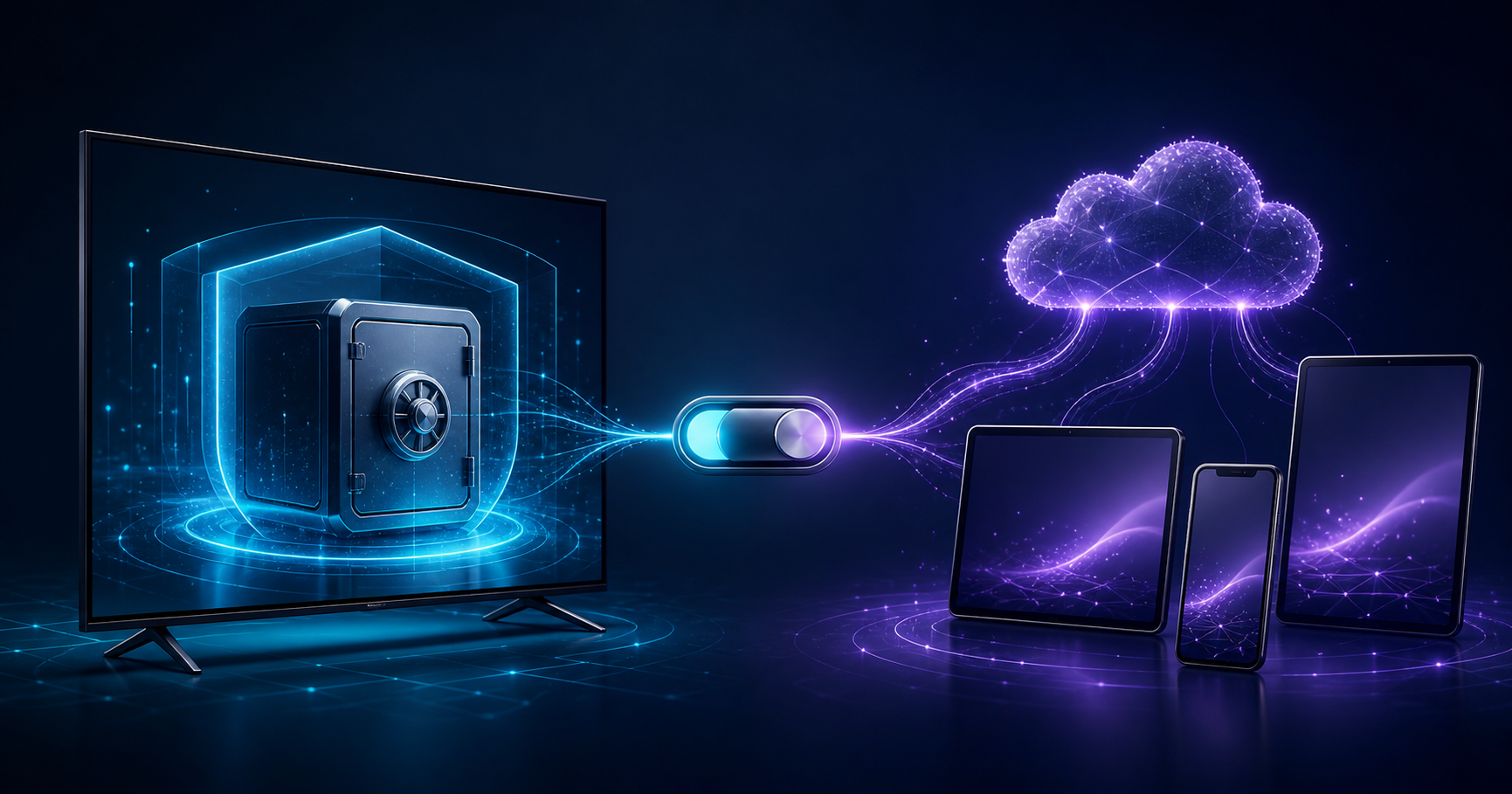
Two modes for two different needs
Using LynoTV on one device and carrying the same environment across several screens are different requirements. The application therefore separates local operation from optional Premium synchronisation. Local use keeps configuration on the Android device. Synchronisation can, after you give permission, restore selected information on devices linked to your account.
This is not a choice between a “safe” mode and an “unsafe” one. It is a decision about where the information needed for your experience should be kept, and whether continuity between devices is useful to you. Understanding the distinction helps you enable only the functions you actually need.
In local mode, the device remains the reference
Without synchronisation, sources, profiles, favourites and settings remain on the Android device. This arrangement suits a television used on its own, a travel phone or anyone who prefers to configure each installation independently. Linking a Free device to a LynoTV account does not automatically enable Cloud storage.
That independence has a practical consequence. If the application is uninstalled, its data is cleared or the device becomes unavailable, information that exists only locally cannot be restored from your account. Keep what you need to reconnect a media source that you are entitled to use. Store those details securely and never expose them in a public note or an unredacted screenshot.
“Local” does not mean that playback operates without the Internet. Playback still depends on the server you chose and on the device connection. The word describes where LynoTV configuration is held, not where the media originates.
What Premium synchronisation can do
Premium synchronisation starts only after explicit consent. It keeps an encrypted copy of the connection settings needed for restoration, together with supported profiles, favourites, history, resume positions, filters and preferences. This copy can then be used across authorised devices within the limits shown in your account.
A straightforward example is someone who starts a programme on the television and wants to find the same profile or progress on a tablet. Synchronisation avoids rebuilding the environment by hand on every screen. It can also make it easier to recover a configuration after replacing a device.
Premium covers LynoTV convenience features. It does not add channels, playlists, audiovisual content or an IPTV subscription. Any media service you choose remains separate from LynoTV.
What LynoTV does not copy to its Cloud service
The boundary matters. LynoTV does not copy channel, film or series catalogues, artwork, TV guide data, video streams or downloaded media. Those items remain supplied or hosted by the service to which your device connects. Synchronisation concerns the information required for configuration and continuity of use.
This separation limits the data entrusted to LynoTV and keeps the application’s role clear. LynoTV organises and plays sources that you add with the appropriate right of access; it does not become the host of their content.
Consent that you can withdraw
Enabling synchronisation is not permanent. From the member area, you can turn it off and request permanent deletion of the relevant Cloud data. Information already present on your devices is not removed by this action. It remains local until you delete it on the device.
Before deleting the Cloud copy, check that the devices you still need have a usable configuration. A deliberate deletion means that the copy can no longer be used for a later restoration. Removing a device from your account withdraws its authorisation for Premium services; this account action is separate from the availability of your media source.
Choose according to your actual setup
Local mode is usually suitable when you use one device, accept that it may need to be configured again after replacement, or want fully separate installations. Synchronisation becomes relevant when several devices need the same profiles and playback states, or when a restorable copy provides a meaningful benefit.
Ask yourself three questions. How many devices do you genuinely use? Do you need the same profiles and favourites on them? Would you value a restorable copy after loss or replacement? If the answer is no, remaining local is a complete and consistent choice. If the answer is yes, read the consent information shown before enabling synchronisation.
Good habits in both modes
Protect access to your devices, use the local parental PIN when it suits your household, and install updates through official channels. Never send support a source password or a complete URL containing credentials. Review the devices linked to your account and remove any that you no longer recognise or use.
It is also worth revisiting the privacy policy when the service changes. It describes the categories of data involved, why they may be processed and how you can exercise your rights.
Keep the decision in your hands
LynoTV works locally by default. Premium synchronisation is an optional continuity feature, enabled with your permission and removable from your member area. The right choice is the one that matches your devices, habits and expectations for recovery.
Read the LynoTV Premium page and privacy policy before enabling the feature, then choose the mode that fits your use without rushing the decision.