M3U and Xtream Codes
Add the URL, file or access details supplied by an authorised service. LynoTV then organises the available channels, films and series.
Play your own sources on TV, mobile and tablet. With Premium sync, your profiles and playback progress are ready on every authorized device.
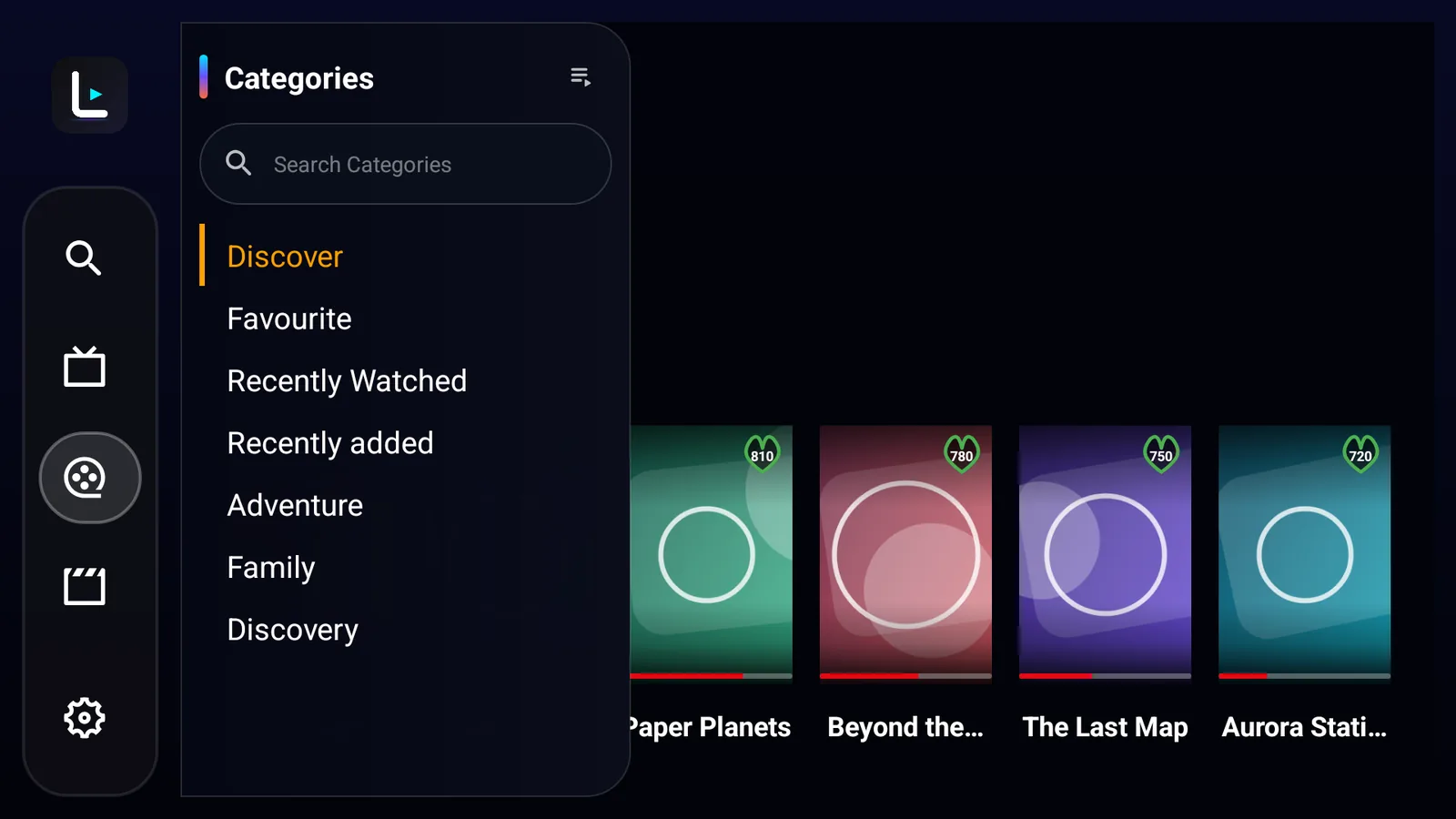
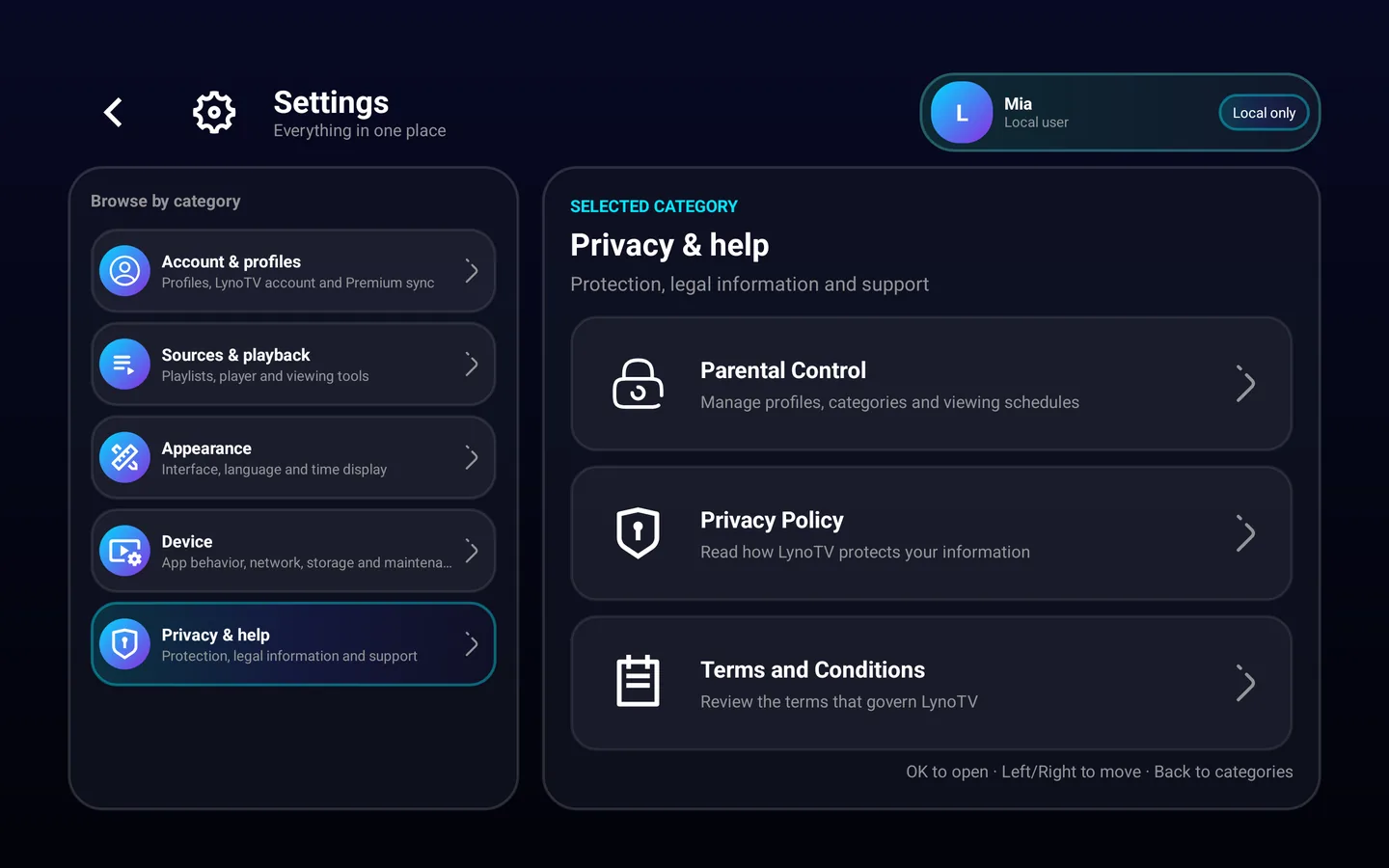
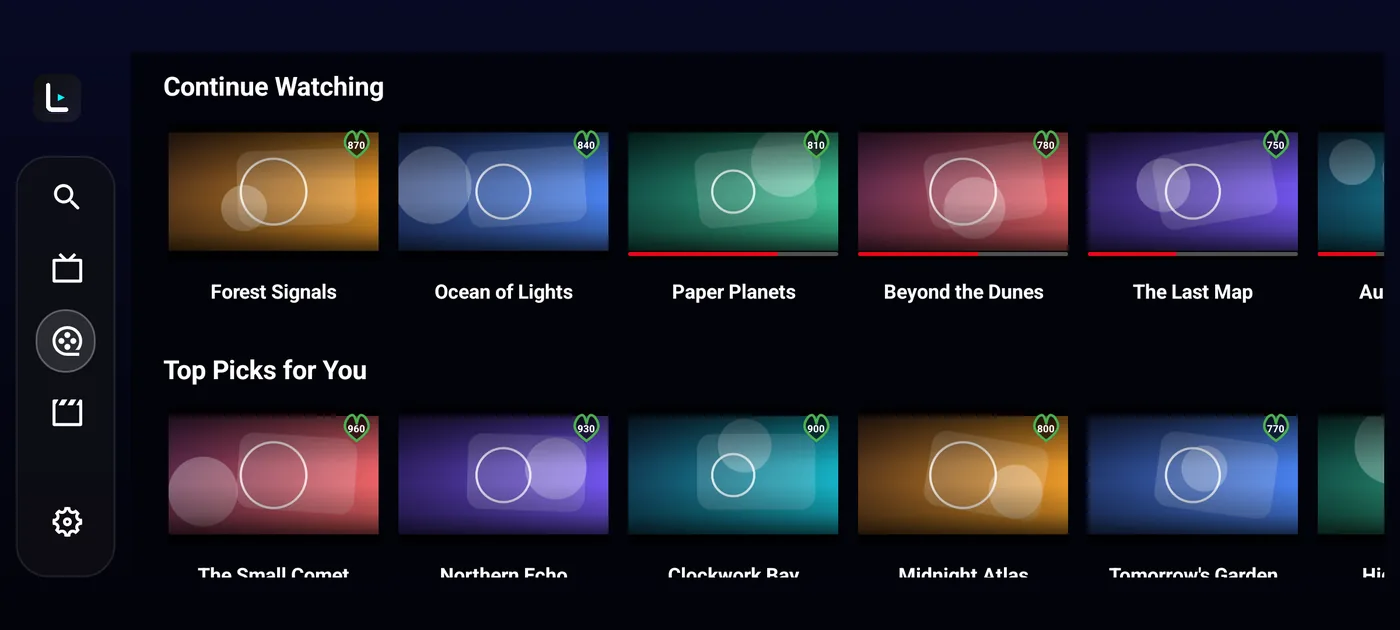
Add your own M3U or Xtream Codes access. LynoTV organizes the experience and never provides channels or playlists.
Start locally or create a LynoTV account when you want secure continuity between devices.
Connect an M3U playlist or Xtream Codes access you are allowed to use.
Give everyone a separate space for favorites, history and playback progress.
Premium sync restores your space on your authorized devices.
Continue watching
Every feature serves a clear purpose, from the first import to resuming a film on another screen.
Add the URL, file or access details supplied by an authorised service. LynoTV then organises the available channels, films and series.
Enjoy live TV, your catalogues and the TV guide in a fast interface designed for television and mobile alike.
Favourites, history, searches, filters and progress remain specific to each person.
Choose accessible categories and viewing hours for each profile from your LynoTV space, with no paid add-on.
With encrypted synchronization, start on the television and continue from the same point on mobile or tablet.
Enjoy your content without banners, LynoTV-inserted ad breaks or advertising tracking.
Clear from the sofa, precise at your fingertips and consistent on every Android screen.
Local use stays local. Cloud backup starts only after your explicit consent.
Compatible source credentials are encrypted in transit and at rest.
LynoTV is a player. You add only sources you are legally allowed to use.
Install LynoTV, add your source and choose how you want to use it.
Latest Android version: 1.1